Using the Flex 5000
Flex 5000 | 19
Switching the wireless headphone system on
1 Switch your audio source on.
If the transmitter is connected to the headphone socket (see
page 13) of your TV/audio source, adjust the volume of the
headphone socket on your TV/audio source to at least a medium
level.
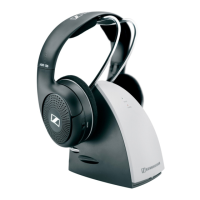
2 Take the receiver out of the transmitter’s charging compartment
and press the volume button
+ or –.
The receiver switches on. The
Receiver status
LED lights up
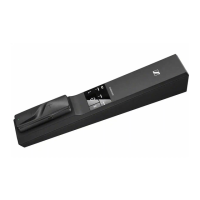
green. The transmitter automatically switches on and the
Trans-
mitter status
LED lights up white or blue. The audio transmission
starts.
The remaining operating time of the receiver is displayed on the
transmitter (see page 17).
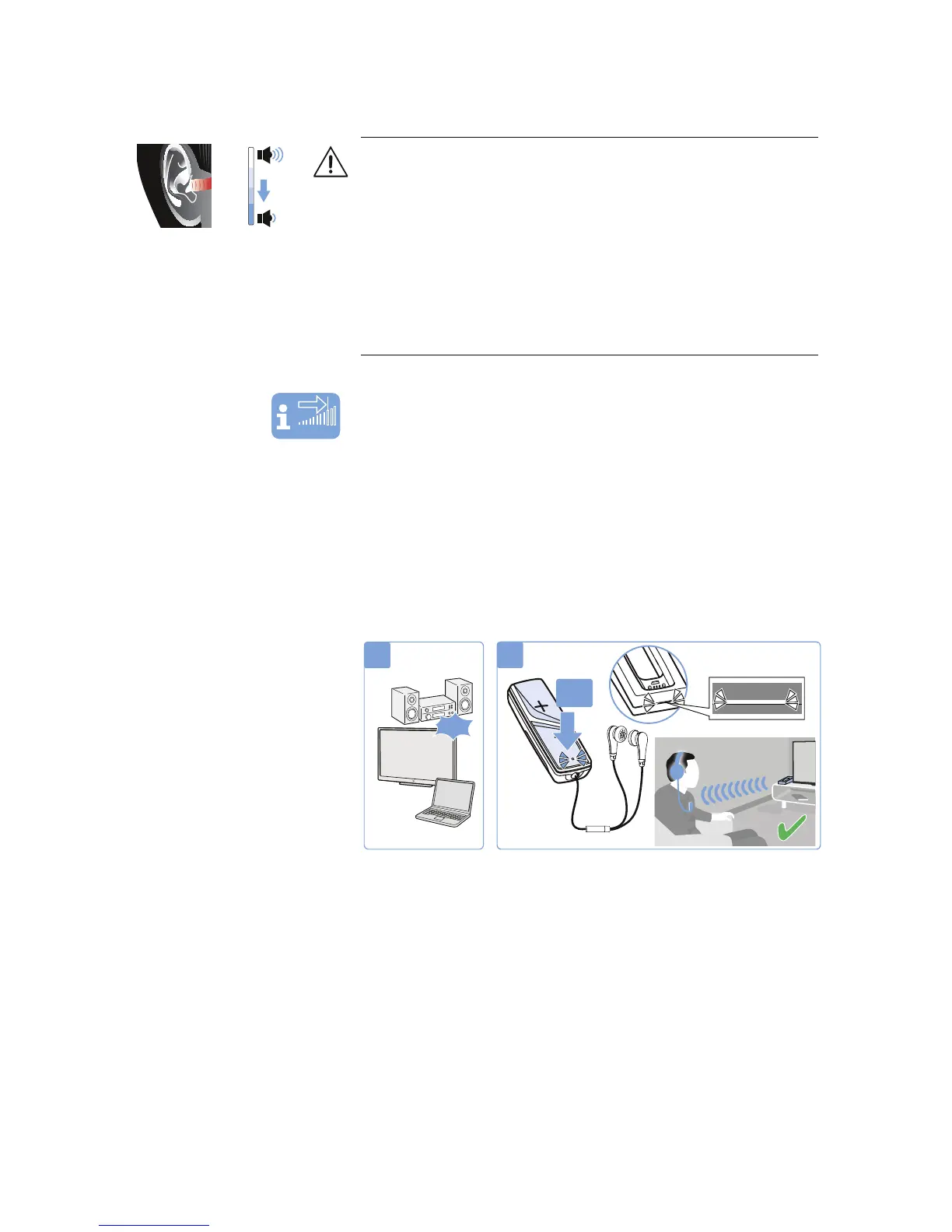
WARNING
Danger of hearing damage due to high volumes!
This receiver allows you to set higher volumes than conventional
devices. Constant high-volume use can cause hearing damage.
왘 Before putting the receiver and the connected headphones on,
set the volume on the receiver to a low level.
왘 Do not expose yourself to high volume levels for extended peri-
ods of time.
왘 Use a hearing profile (see page 23) that improves especially
speech intelligibility without the need for a high volume.
Vol +
Vol -
ON
2
1
ON









 To Next Page