Using the Flex 5000
24 | Flex 5000
Selecting a hearing profile
To select the hearing profile that best suits you, proceed as
follows:
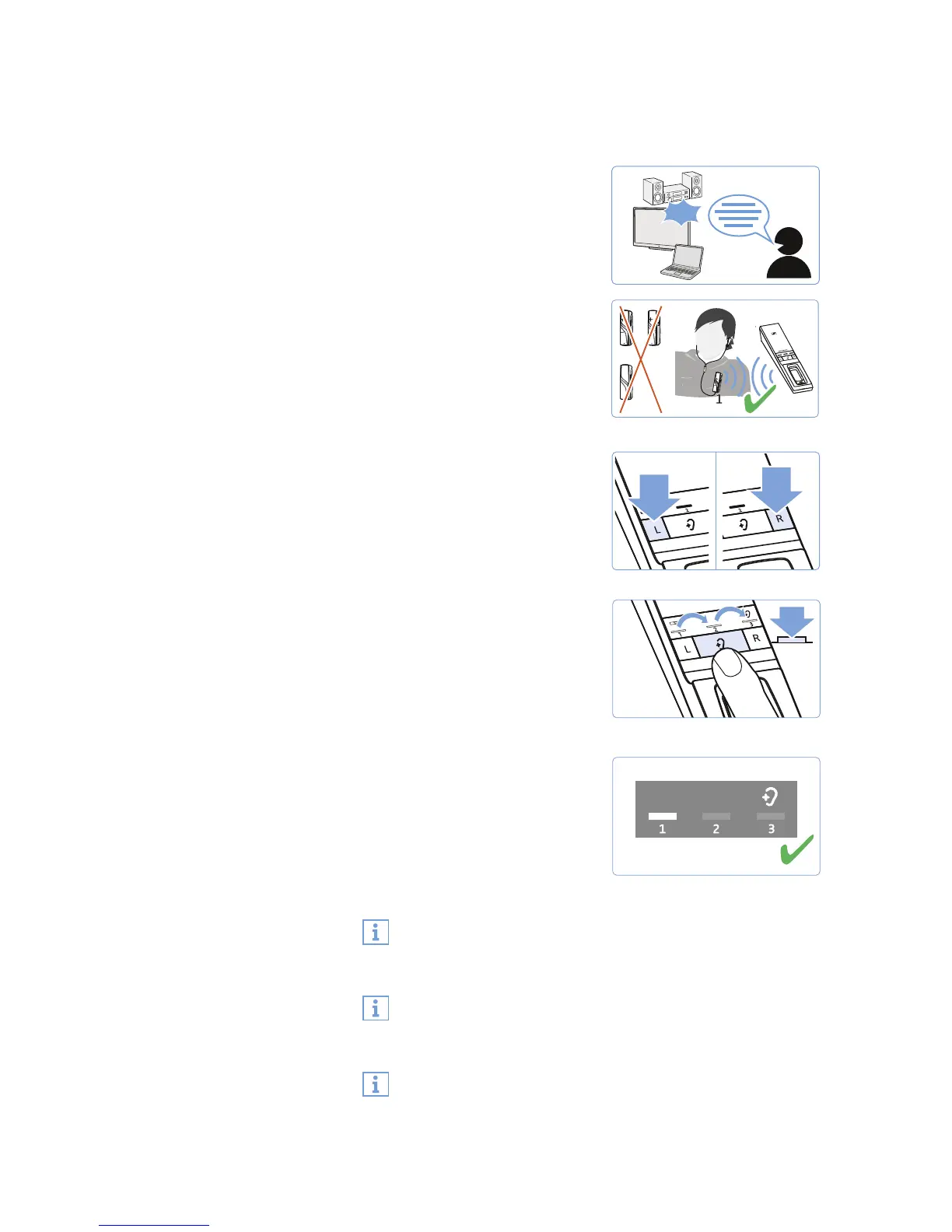
1 Switch your audio source on
and select a program where
speech is foregrounded.
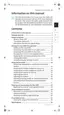
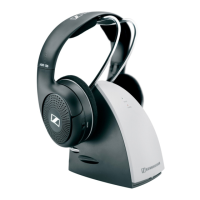
2 Put the headphones connected
to the receiver on and make
sure that only this receiver is
connected to the transmitter.
Otherwise, a hearing profile
cannot be adjusted.
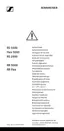
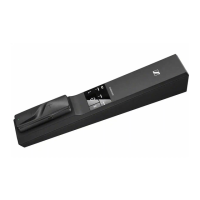
3 Use the L and R buttons on the
transmitter to adjust the bal-
ance (see page 22). This
ensures that each subsequently
selected hearing profile is per-
fectly matched to your left/
right balance setting.
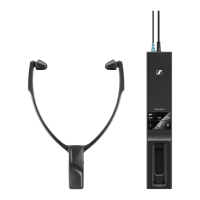
4 Press the
Hearing profile
button on the transmitter for 2
seconds to select the next hear-
ing profile.
Press the
Hearing profile
but-
ton again for 2 seconds to
switch to the next hearing pro-
file.
5 Test which of the hearing pro-
files (1, 2 or 3) gives you the
best sound quality and helps
you to hear best.
Your individual hearing profile
is adjusted and saved on the
receiver.
Since your level of hearing impairment may change over time,
we recommend that you repeat the selection of the hearing
profile from time to time.
If you switch to the next hearing profile, the speech intelligi-
bility function is automatically deactivated so that you can
hear the hearing profile unchanged (see page 25).
To prevent accidental adjustment of the hearing profile set-
tings, you can activate the hearing profile protection (see
page 30).
ON
2...4









 To Next Page