Using additional functions
30 | Flex 5000
Hearing profile and balance protection
This setting is saved on the receiver, indep
endent of the transmitter
you are using.
왘 Make sure that your receiver’s balance setting and hearing pro-
file are correctly adjusted (see page 22 and 23).
왘 Make sure that the protected settings mode is activated (see
page 28).
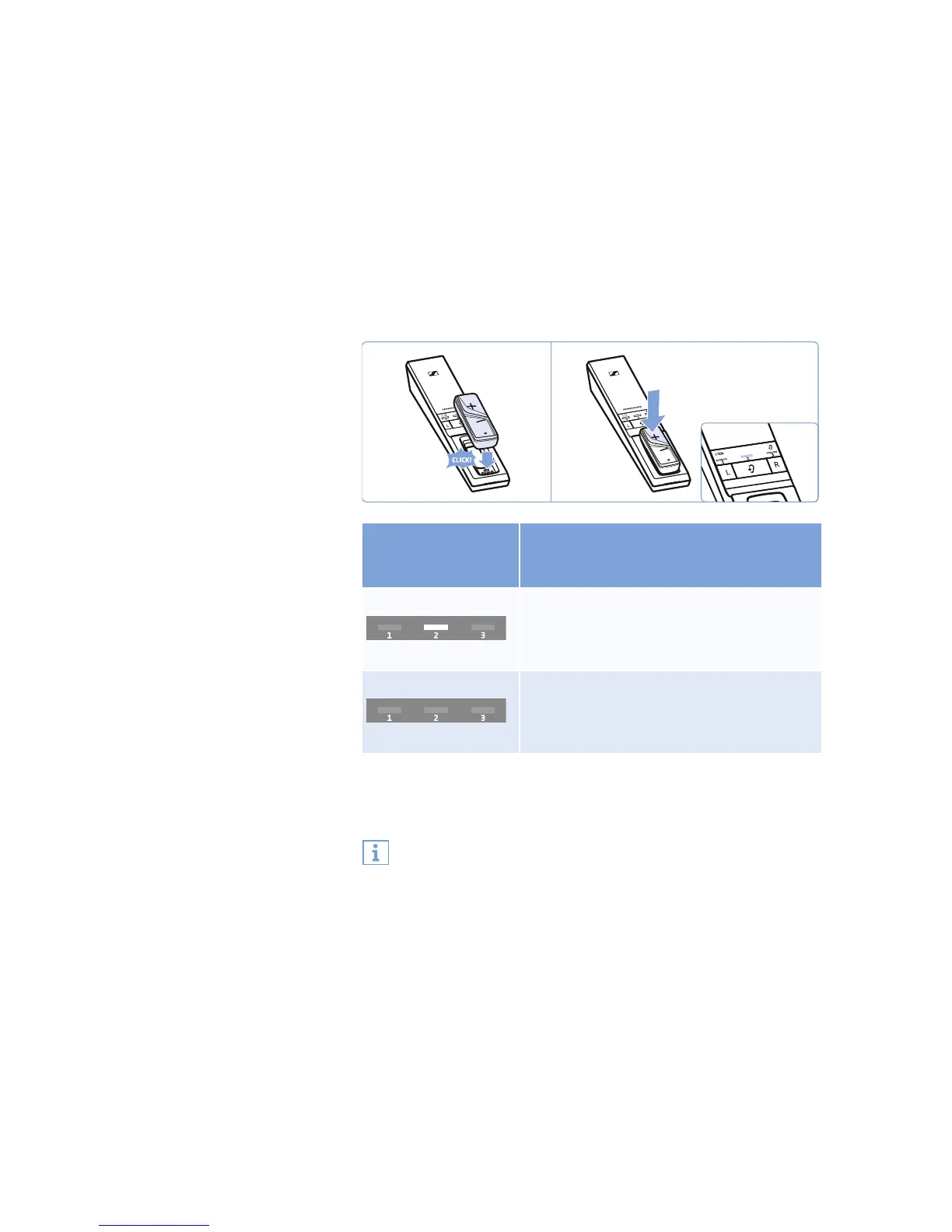
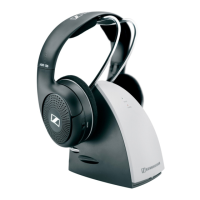
왘 Place the receiver into the transmitter’s charging compartment.
왘 Press the volume button + on the receiver to activate or deacti-
vate the hearing profile and balance protection.
* factory setting
왘 Save the setting by disconnecting the transmitter from the
power supply system (see page 28).
Status and display of
the protection
function
Function/behavior
activated
2
nd
LED segment lit
The activated hearing profile and the
balance setting cannot be changed/
deactivated.
deactivated*
2
nd
LED segment off
The hearing profiles can be changed at any
time by pressing the
Hearing profile
button for 2 seconds. The balance setting
can be changed.
If you are using several receivers and want to protect the acti-
vated hearing profiles from accidental adjustment, you can
place the receivers, one after the other, into the transmitter’s
charging compartment to activate the hearing profile and bal-
ance protection.









 To Next Page