Using the Set 860
24 | Set 860
Selecting a hearing profile for sound
enhancement
The hearing profiles allow you to alter the sound of the audio
signal in order to improve the speech intelligibility and to
adjust the sound to suit your preferences. The profiles are
used to specifically change certain frequency ranges by e.g.
boosting or attenuating low-frequency or high-frequency
tones (see table).
All hearing profiles feature a compression function which
compensates for volume differences by boosting the volume
of quiet passages and reducing the volume of loud passages if
necessary.
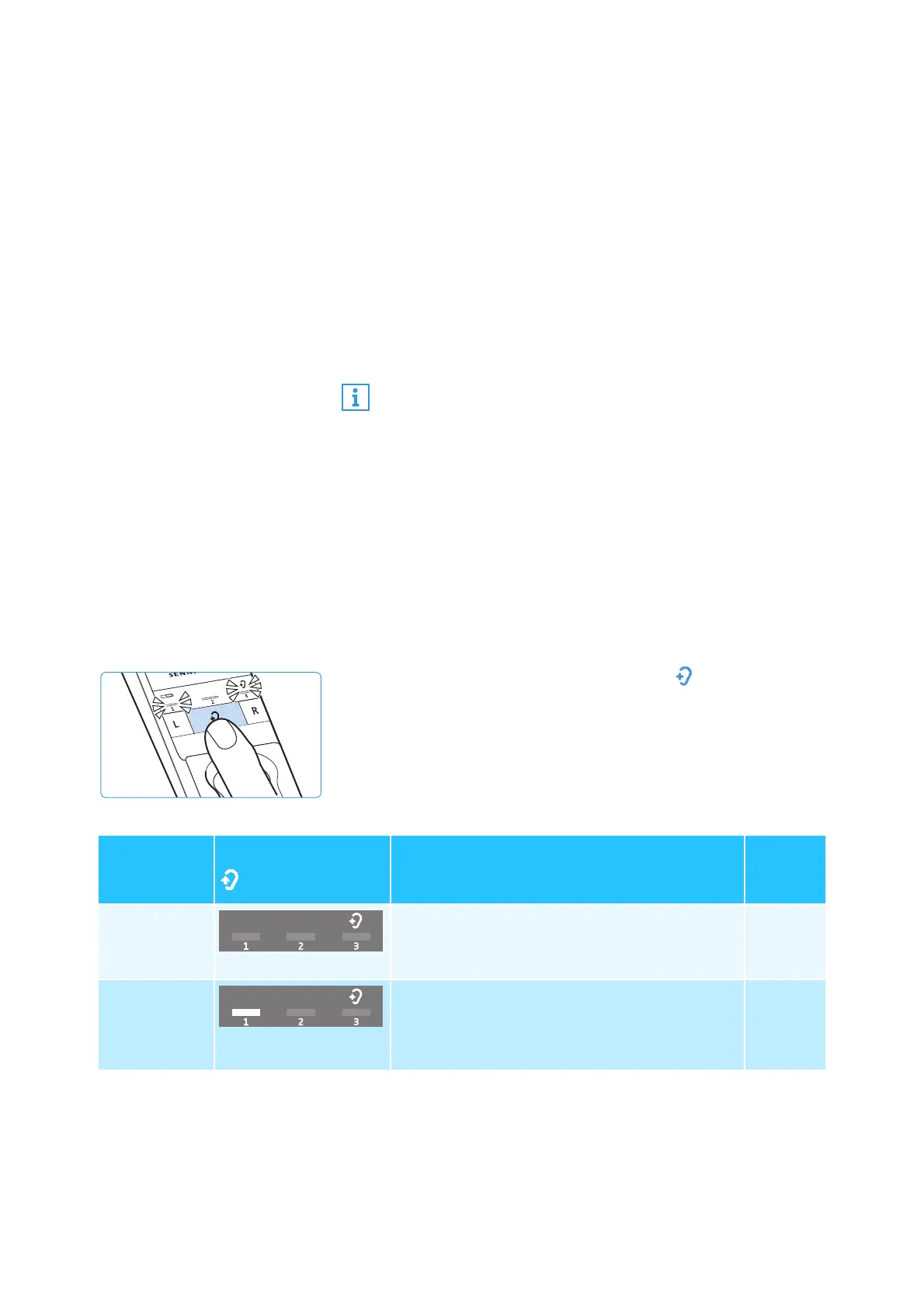
Displaying the activated hearing profile
The activated hearing profile is not permanently displayed.
To check the activate hearing profile:
b Switch the stethoset receiver on by putting it on (see page
19).
b Briefly press the
Hearing profile
button on the transmit-
ter.
The currently activated hearing profile is displayed for
10 seconds.
The balance setting is saved on the stethoset receiver. If
you are using several receivers with a transmitter, the
respective receivers are optimally adjusted to match the
personal hearing preferences of the users (e.g. you and
your partner). Please note that the personal hearing pref-
erences can only be adjusted when only stethoset
receiver is connected to the transmitter.
Activated
hearing
profile
Hearing profile LED
Sound enhancement
Compre
ssion
–
No LED segment lit
The sound from the connected audio source
is reproduced unchanged.
no
Hearing
profile 1
1
st
LED segment lit
Low-frequency tones are slightly boosted to
provide a warm, full sound.
High-frequency tones are reproduced less
piercing and clanking.
yes














 To Next Page