Using the Set 860
Set 860 | 25
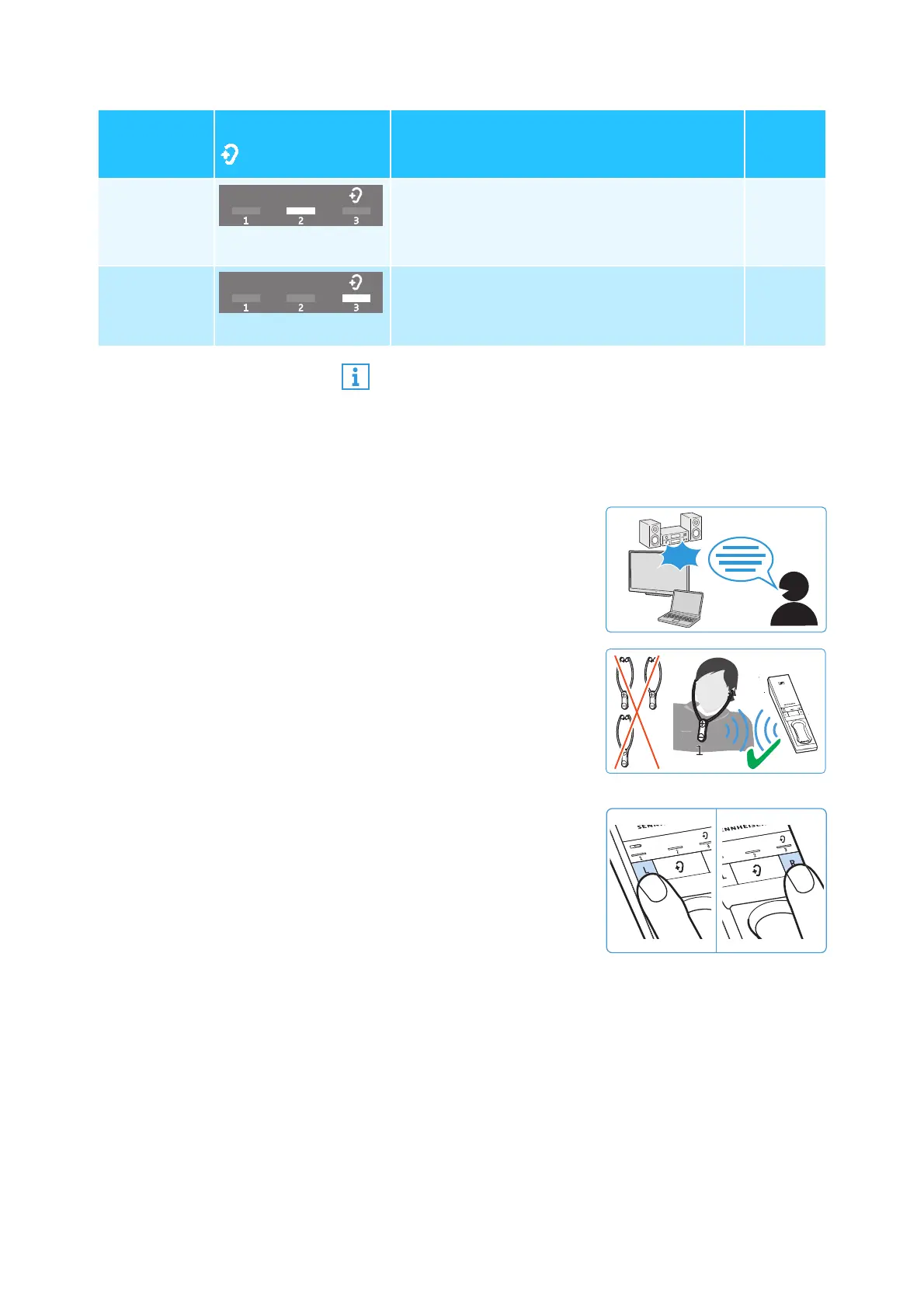
Selecting a hearing profile
To select the hearing profile that best suits you, proceed as fol-
lows:
Hearing
profile 2
2
nd
LED segment lit
High-frequency tones are strongly boosted
to provide a crystal-clear sound, especially
for sibilants and high-frequency tones such
as twittering of birds.
yes
Hearing
profile 3
3
rd
LED segment lit
Low-frequency tones are attenuated so that
they cannot mask high-frequency tones.
yes
Activated
hearing
profile
Hearing profile LED
Sound enhancement
Compre
ssion
A graphic representation of the hearing profiles can be
found on page 47.
1 Switch your audio source on
and select a program where
speech is foregrounded.
2 Put the stethoset receiver on
and make sure that only this
receiver is connected to the
transmitter. Otherwise, a
hearing profile cannot be
adjusted.
3 Use the L and R buttons on
the transmitter to adjust the
balance (see page 23). This
ensures that each subse-
quently selected hearing
profile is perfectly matched
to your left/right balance
setting.
ON
2...4














 To Next Page