Using the Set 860
26 | Set 860
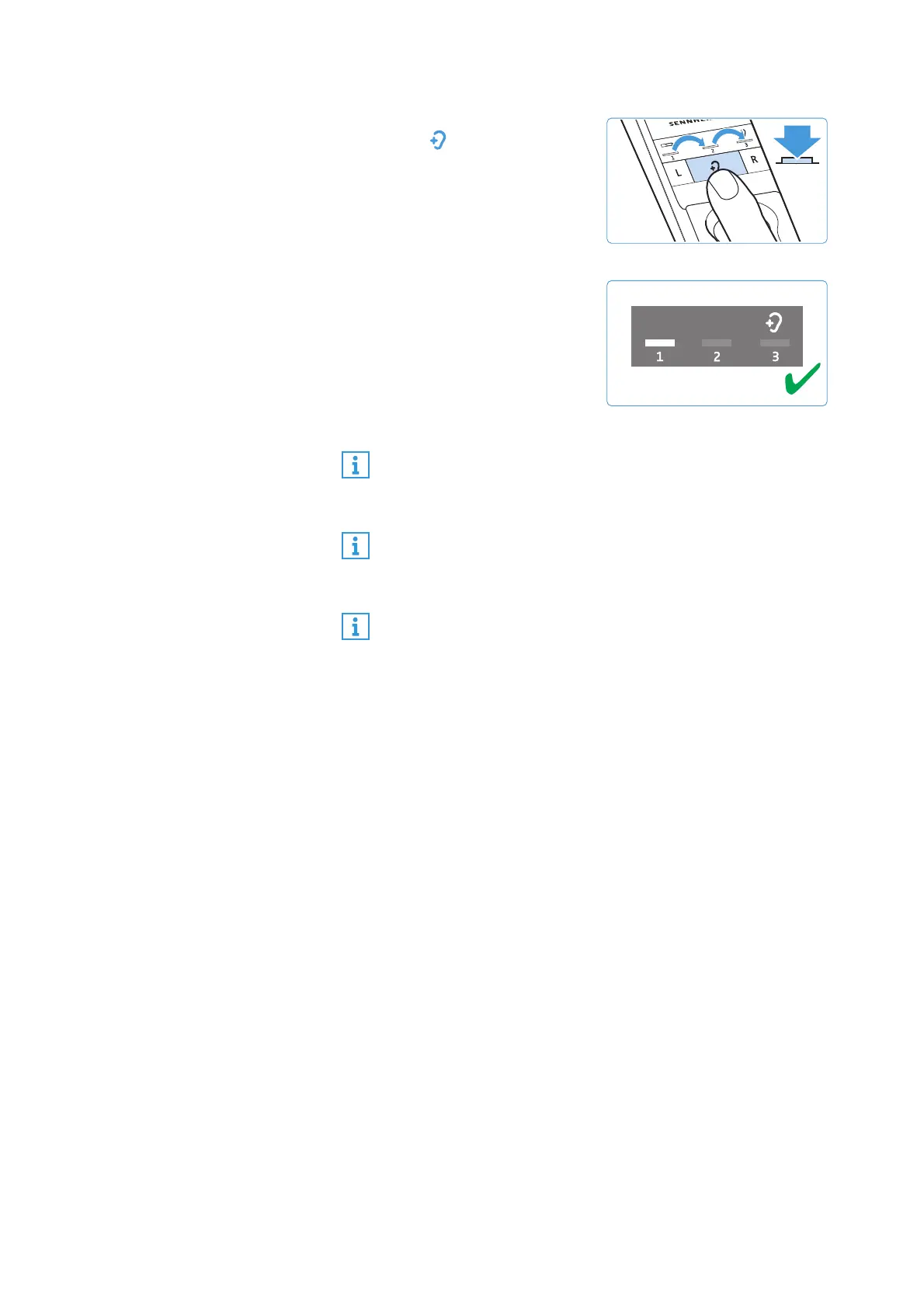
4 Press the
Hearing profile
button on the transmitter
for 2 seconds to select the
next hearing profile.
Press the button again for
2 seconds to switch to the
next hearing profile.
5 Test which of the hearing
profiles (1, 2 or 3) gives you
the best sound quality and
helps you to hear best.
Your individual hearing pro-
file is adjusted and saved on
the stethoset receiver.
Since your level of hearing impairment may change over
time, we recommend that you repeat the selection of the
hearing profile from time to time.
If you switch to the next hearing profile, the speech intel-
ligibility function is automatically deactivated so that you
can hear the hearing profile unchanged (see page 27).
To prevent accidental adjustment of the hearing profile
settings, you can activate the settings protection func-
tion (see page 37).
2s














 To Next Page