Using additional functions
36 | Set 860
Battery status display
This setting is saved on the transmitter, independent of the
stethoset receiver you are using.
To change the battery status display:
b Make sure that the protected settings mode is activated
(see page 35).
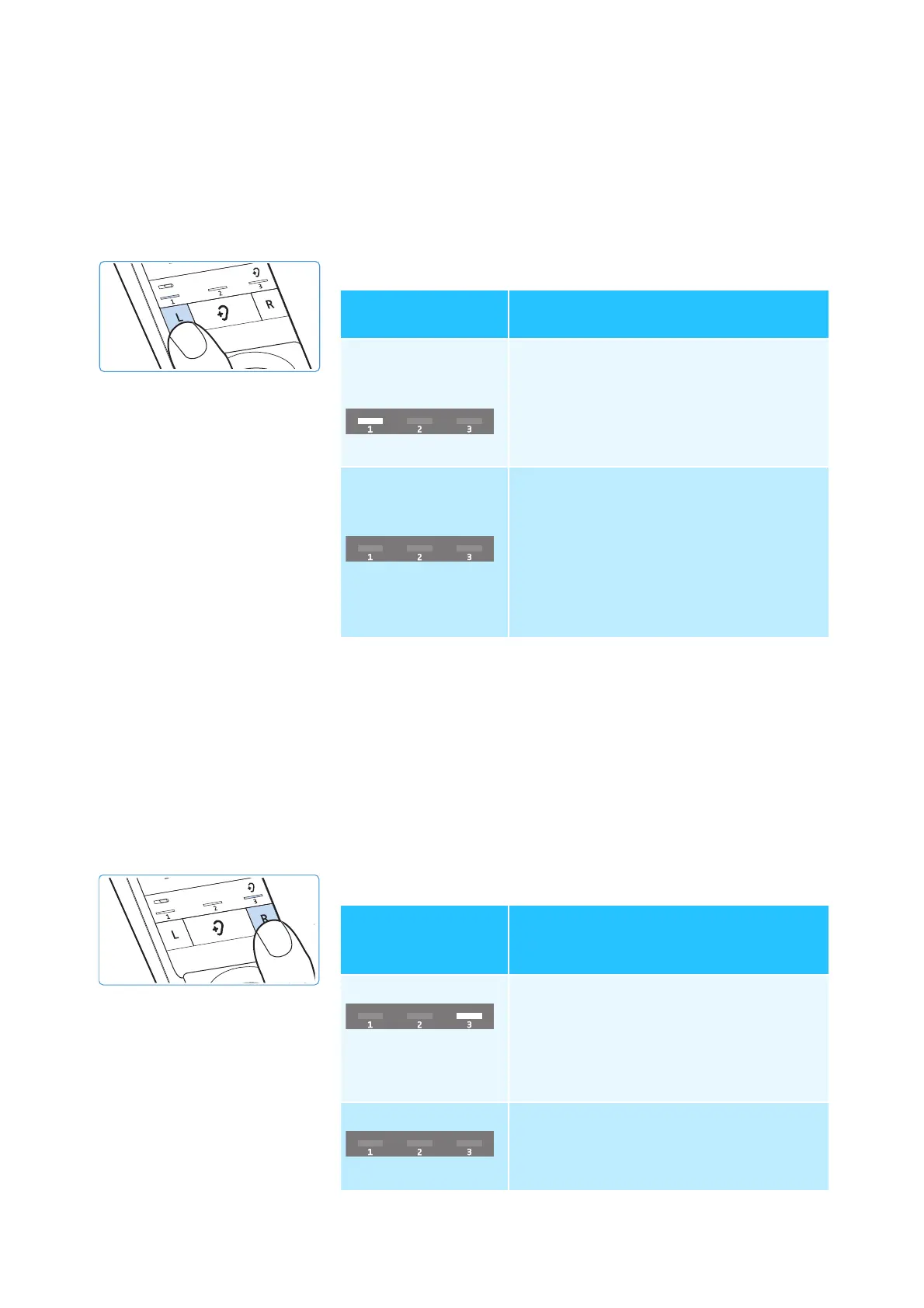
b Press the Balance button L.
* factory default setting
b Save the setting by disconnecting the transmitter from the
power supply system (see page 35).
Charging reminder function
This setting is saved on the transmitter, independent of the
stethoset receiver you are using.
To activate or deactivate the function:
b Make sure that the protected settings mode is activated
(see page 35).
b Press the Balance button R.
* factory default setting
Status and display
of the Battery LED
Function/behavior
permanently
activated (operation
and charging)*
1
st
LED segment lit
The current charge status is perma-
nently displayed during charging.
The remaining charge status is perma-
nently displayed during operation.
activated for 30
seconds (operation
and charging)
1
st
LED segment off
The current charge status is displayed
for 30 seconds during charging. Then
all LEDs go off. The charging process is
continued.
The remaining charge status is
displayed for 30 seconds during
operation. The battery status display
then goes off.
Status and display
of the charging
reminder function
Function/behavior
activated*
3
rd
LED segment lit
When you switch the stethoset receiver
off and the transmitter switches to
standby mode, the battery status
display will flash for 10 minutes to
remind you to charge the stethoset
receiver.
deactivated
3
rd
LED segment off
After switching the wireless
headphone system off, all LEDs remain
off.














 To Next Page