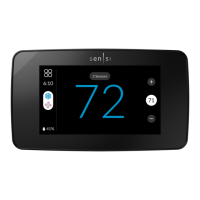
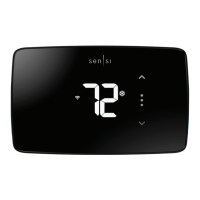
13
• Cooling System
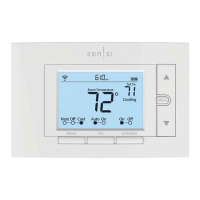
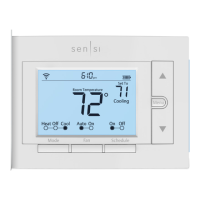
• Press the “Mode” button on the thermostat
and select the “Cool” position.
• Press the down arrow and adjust the setting to 1° below
the current room temperature. The blower should come on
immediately on high speed, followed by cold air circulation.
The thermostat will indicate “Cooling” on the screen. Note
that there can be up to a 5 minute delay for this process.
This is indicated by a flashing setpoint temperature.
• Press the up arrow and adjust the setting to 1° above the
current room temperature. The cooling system should stop
operating and “Cooling” will disappear from the screen.
• If you encounter any issues while testing the equipment,
refer to the troubleshooting actions on page 17.


 To Next Page