14
• Humidification
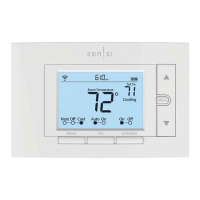
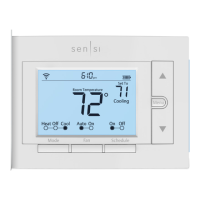
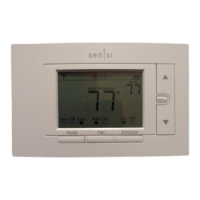
• Press the “Mode” button on the thermostat
and select the “Heat” position.
• Press the up arrow on the thermostat and adjust the
setting to 1° above the current room temperature.
The heating system should begin to operate and the
thermostat will indicate “Heating” on the screen.
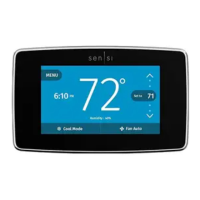
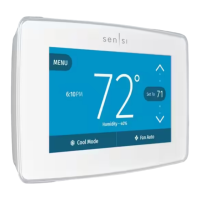
• Press the “Menu” button on the thermostat and press
the “Next” button until you reach the “H SP” screen.
• Turn Humidification On by pressing either the Up or
Down button until the humidity set point is higher than
the current room humidity. Humidity can be adjusted
from 5%-50% in 5% increments, then press “Exit”.
• Check to ensure humidifier is running.
• Press the down arrow on the thermostat and
adjust the setting to 1° below the current room
temperature. The heating and humidification
systems should both stop operating.


 To Next Page