Miracast (Android System)
Your Android device and projector both need to be connected to the same Wi-Fi network.
1
2
In the Home Screen, click on your App Center and start the “Miracast” Application.
On your Android device, download the Miracast app on your device and open the app.
3
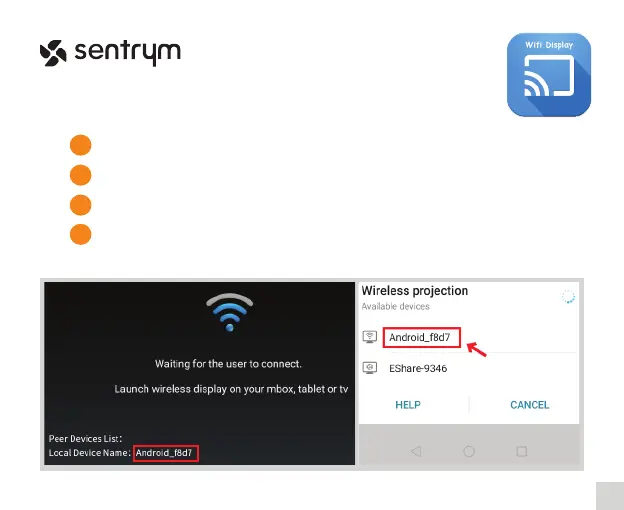
Connect to the device name shown on the projector screen on the bottom left corner.
4
12
L1


 To Next Page