EShareServer
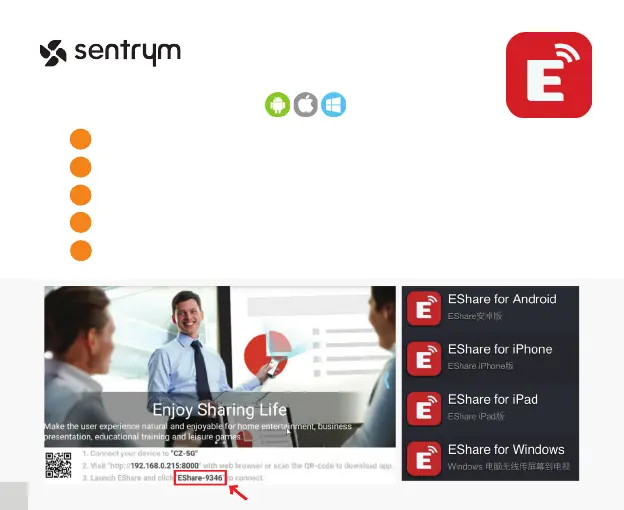
Both your device and projector need to be connected to the same Wi-Fi network.
1
2
In the Home Screen, click on “EShare”.
Follow the steps and select the device type that you wish to connect to.
3
Download and install “EShare” on your corresponding device.
4
Enter the “EShare” App and search for the device name of the projector.
5
13
L1


 To Next Page