DVR Operation
2–4 700-0098 R006
2.4. On-Screen Display Access
Use the On-Screen Display mode to locally access the DVR drive content.
To use the on-screen display (OSD) with trackball mouse and monitor:
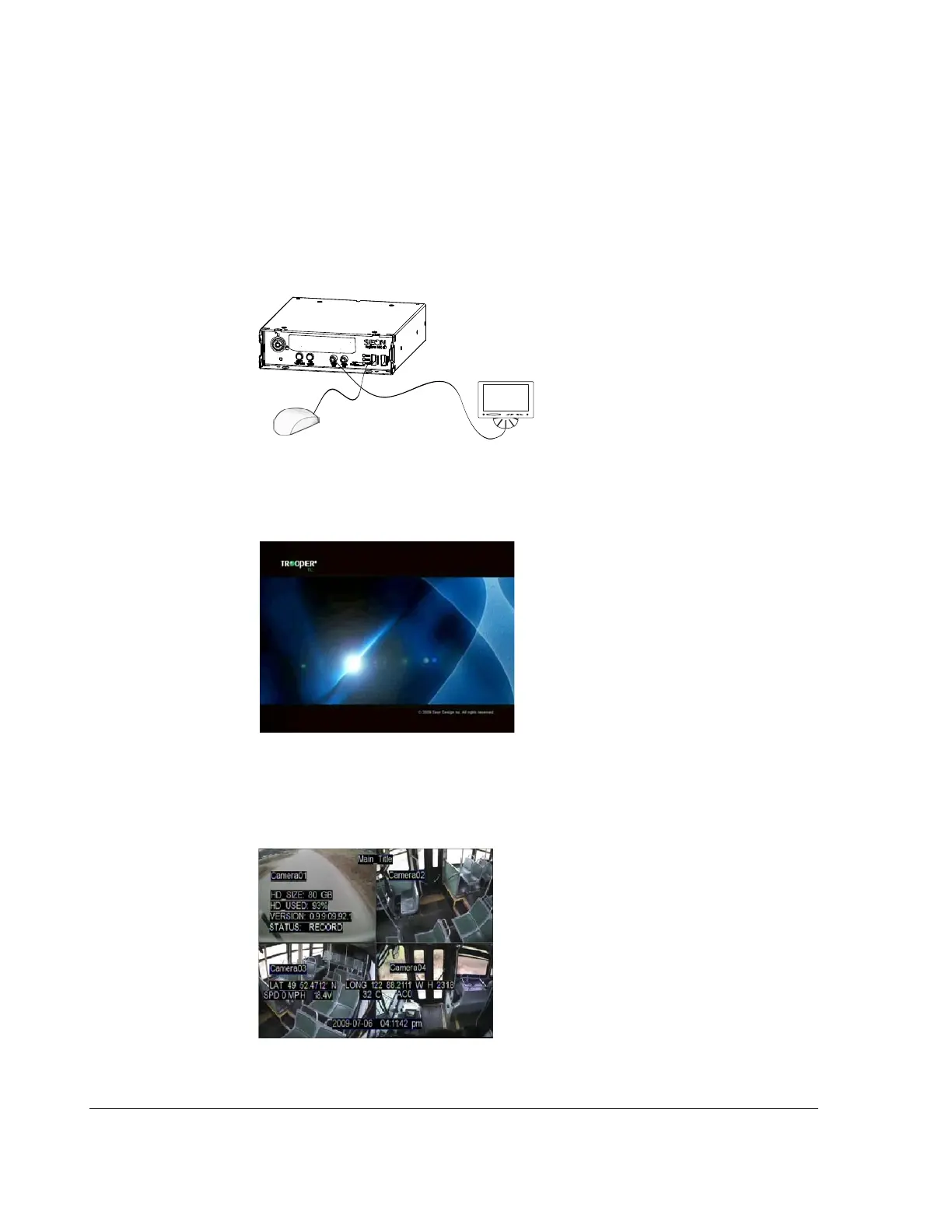
1. Connect a portable video monitor to VIDEO OUT on the TL DVR front panel.
Plug the USB trackball or mouse in the USB socket on the front of the DVR
.
When the DVR starts up, the TL DVR splash screen appears briefly before the
DVR enters live view.
During live viewing and recording, the information displayed on the screen can
include the items shown and described in the following image and table. The
screen items can be configured in the main menu.
Figure 2-3
Mouse and Monitor Connected to DVR
TL DVR
Portable
VideoMonitor
USB Mouse
Figure 2-4
TL Splash Screen
Figure 2-5
On-Screen Display during Live Viewing and Recording



 To Next Page