vMax Web Operation
700-0098 R006 3–7
3.3.3. vMax Web Playback Tab
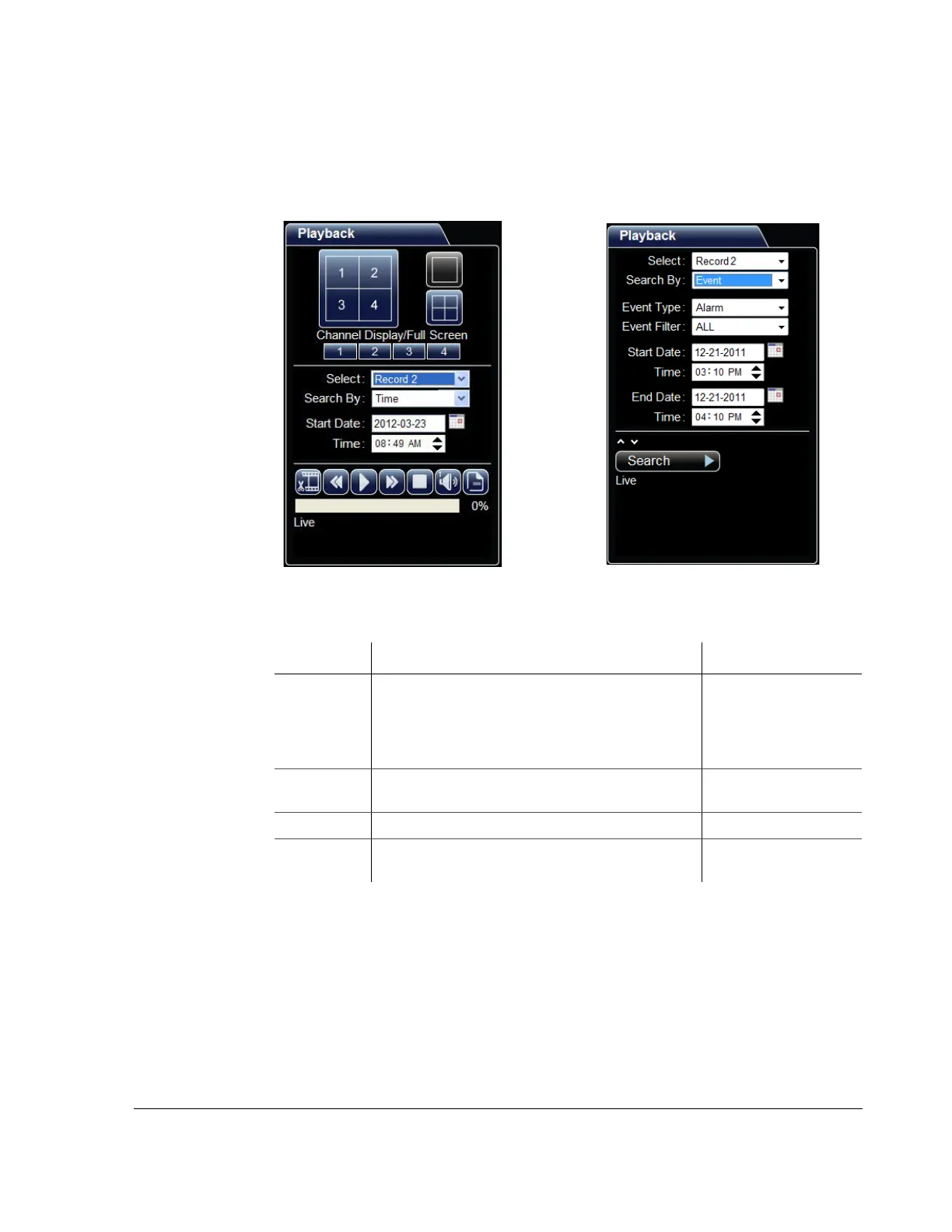
Use the Playback tab to search and play recorded video from the DVR. The Playback
tab is shown in Figure 3-7.
Figure 3-7
Playback tab views, searching by Time or Event
Table 3-3
Time Search Fields
Menu Item Description Value [Default]
Select Choose which recording stream to search for video in.
• With Record selected, high resolution video is
available for archiving.
• With Record2 selected, low resolution video is
available for faster searching and remote playback.
Record, [Record2]
Search By Choose whether to search by a time range or by a
specific event.
[Time], Event
Start Date Set the start date (month, day, and year) for the search. [Current]
Time Set the start time for the search. [1hour before current
time]



 To Next Page