DVR Operation
2–6 700-0098 R006
2.4.1. Playback Menu Access
Use the Playback menu to search, playback, and archive video directly from the DVR
hard drive.
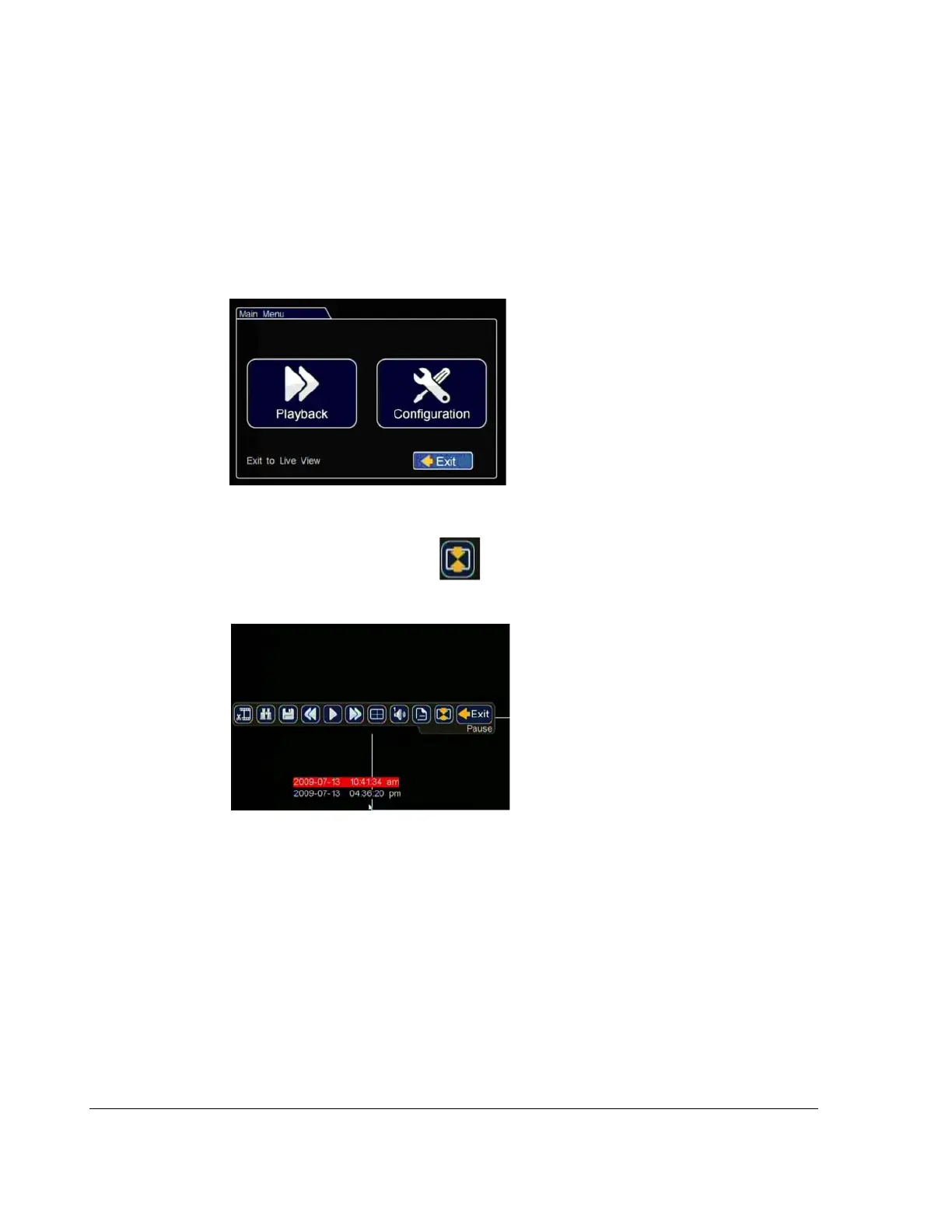
To search, playback, and archive video from the OSD menus:
1. In the OSD view, right-click the live view to access the main menu and click
Playback.
2. Click the Show/Hide icon
that appears in the center of the playback view.
The Playback tool bar appears.
Figure 2-6
Main Menu
Figure 2-7
Playback Tool Bar Window



 To Next Page