DVR Firmware and Configuration Uploads
4–4 700-0098 R006
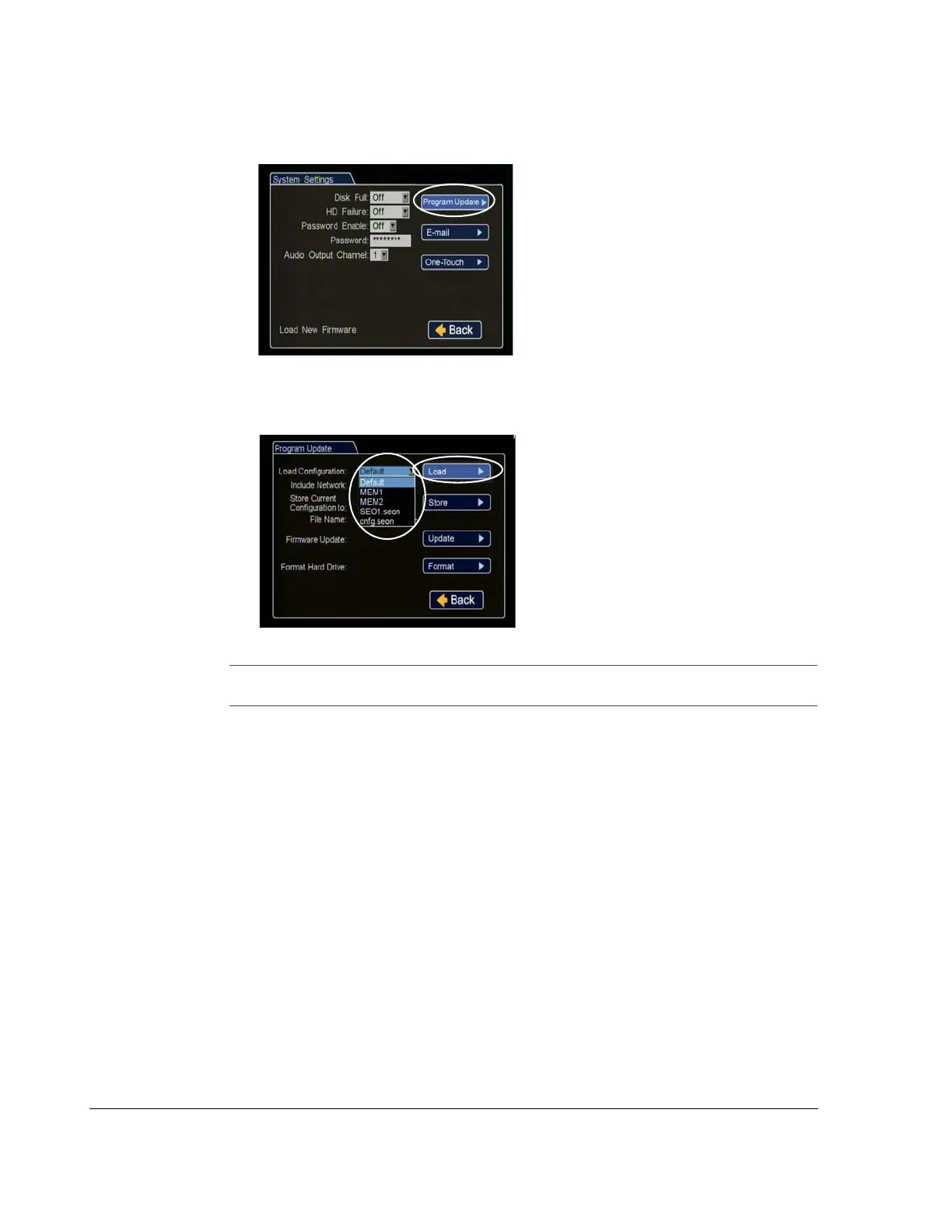
6. In the System Settings menu click Program Update.
7. From the Load Configuration menu, select the file to upload and click Load.
Figure 4-3
Program Update Menu
Figure 4-4
Loading USB Configuration
Important: The Load Configuration drop down list only displays the ten most recent
configuration files on the USB drive.



 To Next Page