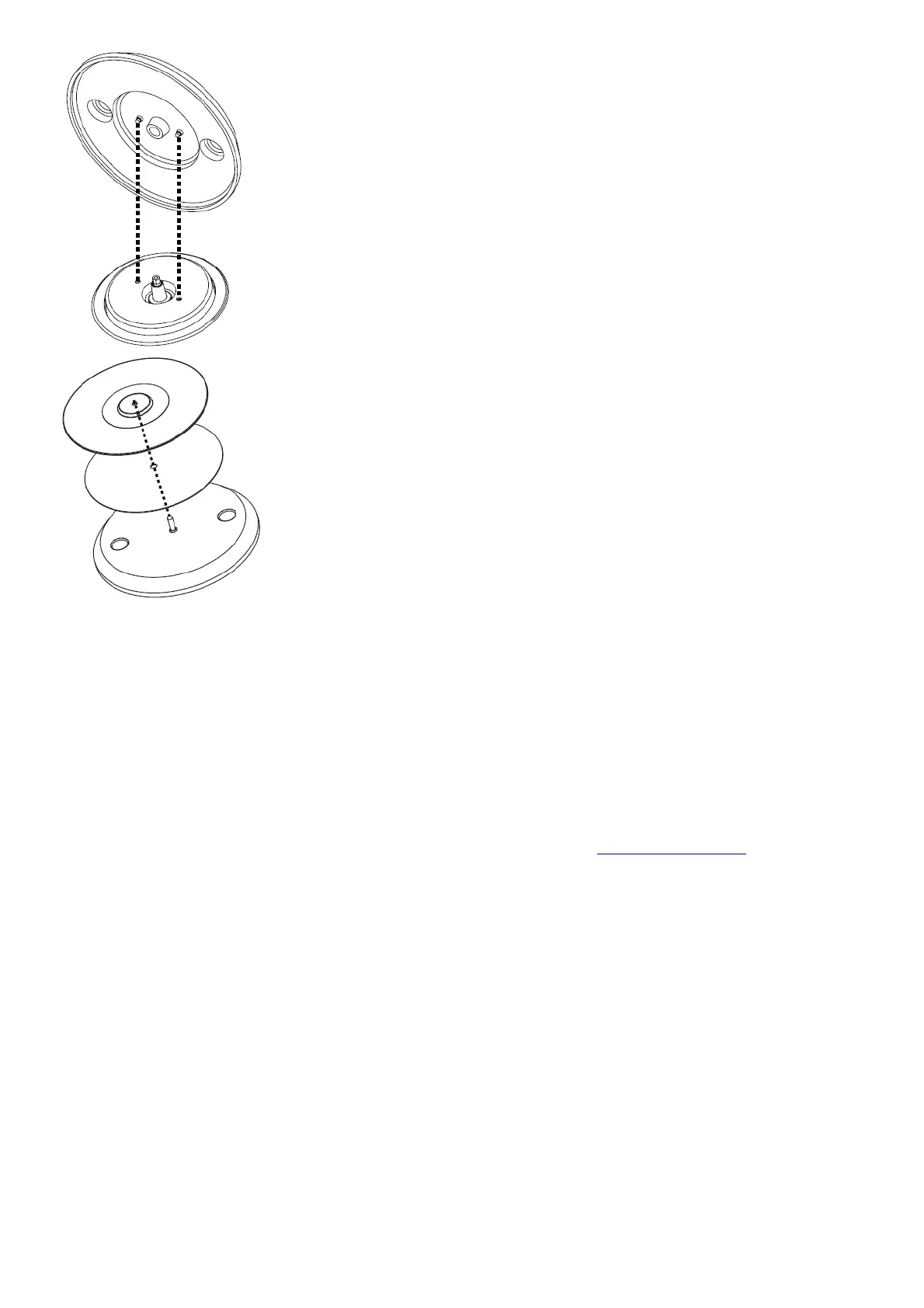
Connect and Start DJing!
1. Make sure you have downloaded and installed the latest version of your DJ software.
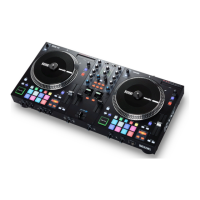
2. Place ONE on a flat, stable surface.
3. While the power is switched off, plug the included power cable into ONE first, then plug the cable into a power
outlet.
4. Power on ONE using the power switch.
5. Use a standard USB cable (included) to connect the USB Port to an available USB port on your computer or a
powered hub connected to the computer.
6. Open Serato DJ Pro and go!
For more information on how to use Serato DJ Pro with the ONE, please visit support.serato.com



 To Next Page