Switched PRO2 – User Guide
Using the Web Interface • 123
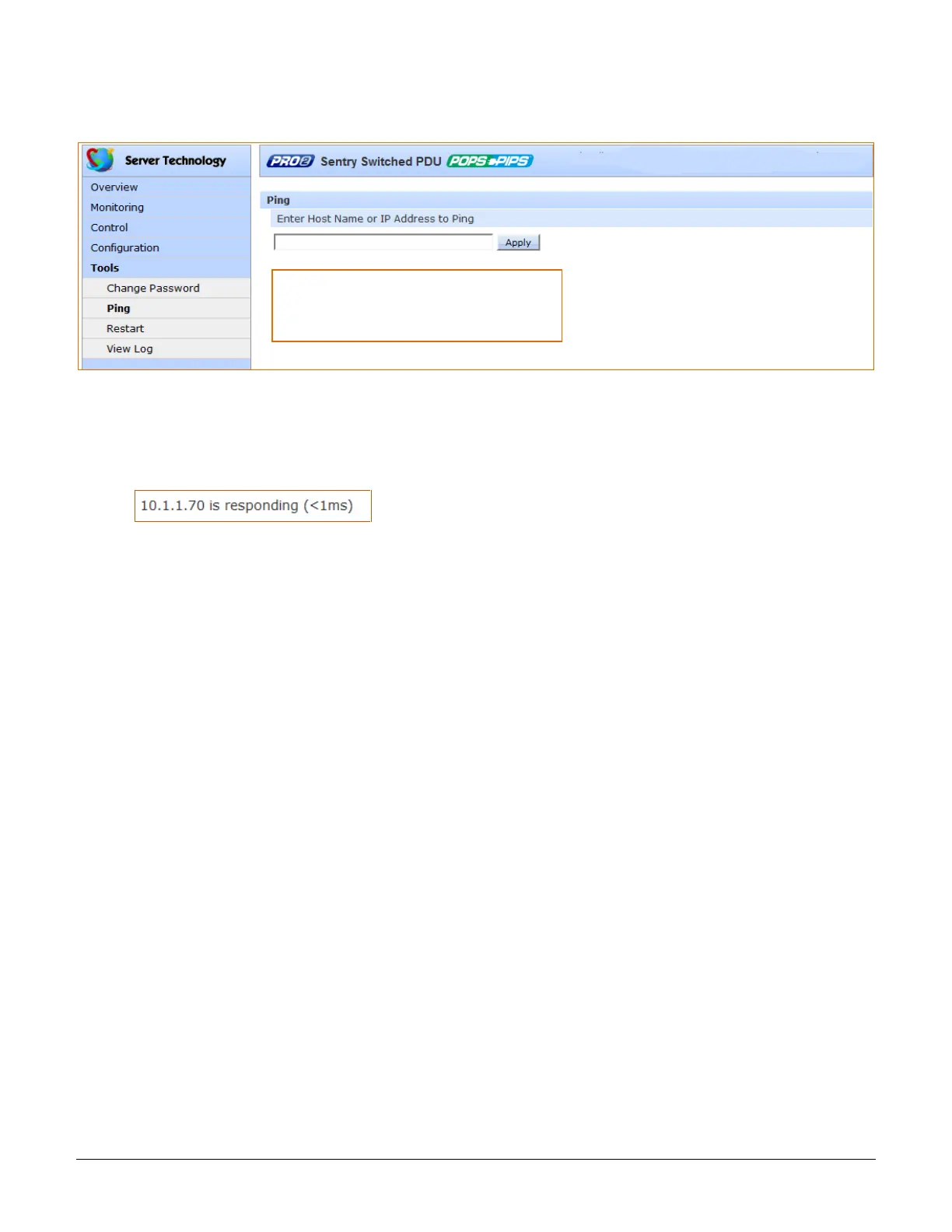
Tools > Ping
The Ping option tests the ability of the PRO2 to contact the IP address of another Ethernet-enabled device.
To issue a ping:
1. Type the hostname/IP address to ping (IPv4 or IPv6 format).
2. Click Apply.
If the ping was successful, a responding message is displayed, similar to:
For LDAP support, the Ping feature can test
the configuration of the DNS IP address by
testing for proper name resolution.



 To Next Page