Switched PRO2 – User Guide
Getting Started with the Firmware • 20
PRO2 Dashboard View
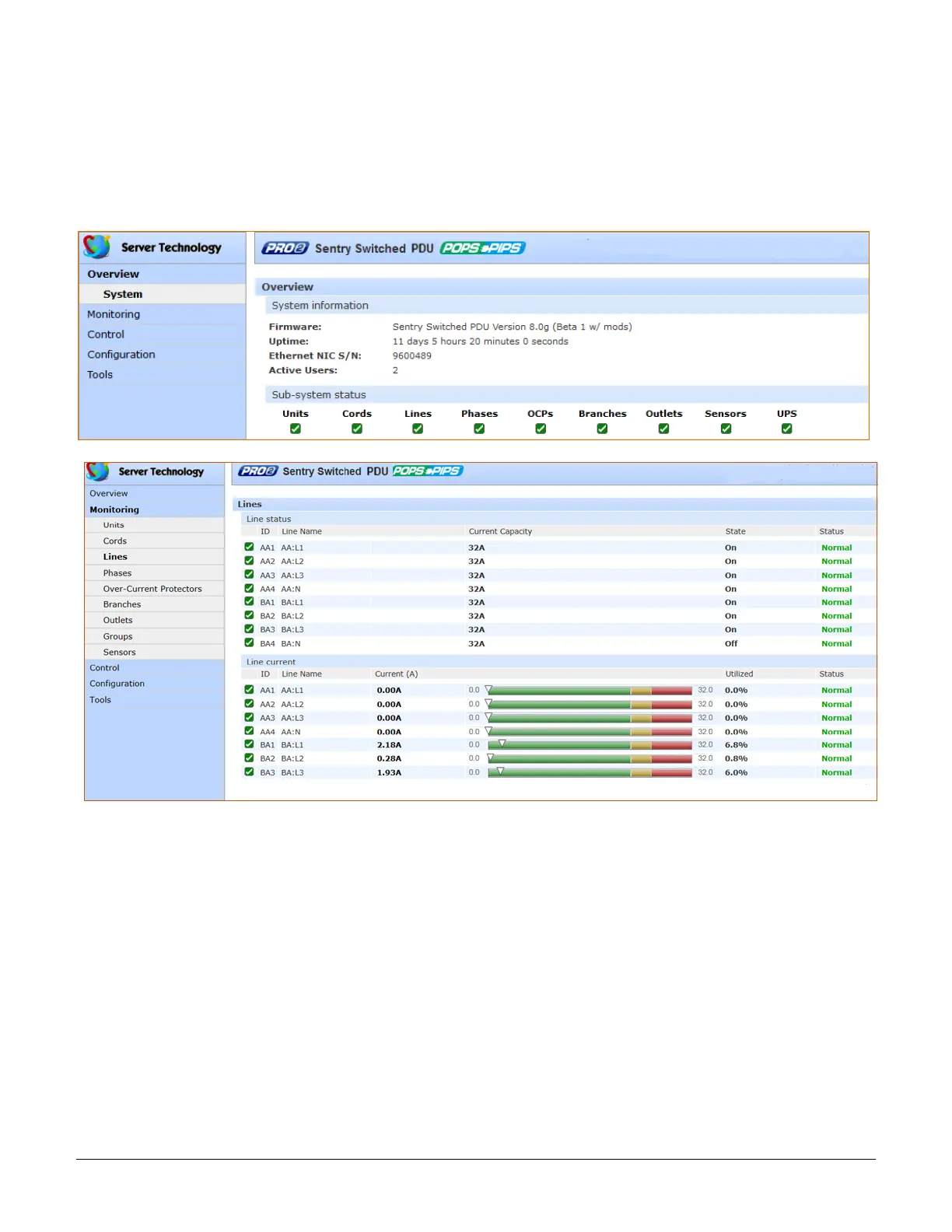
The firmware Overview > System page provides a fast and high-level view of the overall condition of the PRO2
unit. The sub-system status view shows the current operational state of individual PRO2 (units, cords, lines, etc.).
The color-coded status icon for each area is hot-linked to the corresponding monitoring page to show the operating
details behind the status, for example:



 To Next Page