Switched PRO2 – User Guide
Using the Web Interface • 122
Tools (Using Support Functions)
The Tools section of the Web interface is a collection of several utility options for miscellaneous system actions:
changing user password, pinging other network devices, viewing the system/debug log, and uploading new
firmware versions.
Also included are several options for rebooting the PRO2, resetting the PRO2 to factory defaults, and restarting the
PRO2 with user preferences.
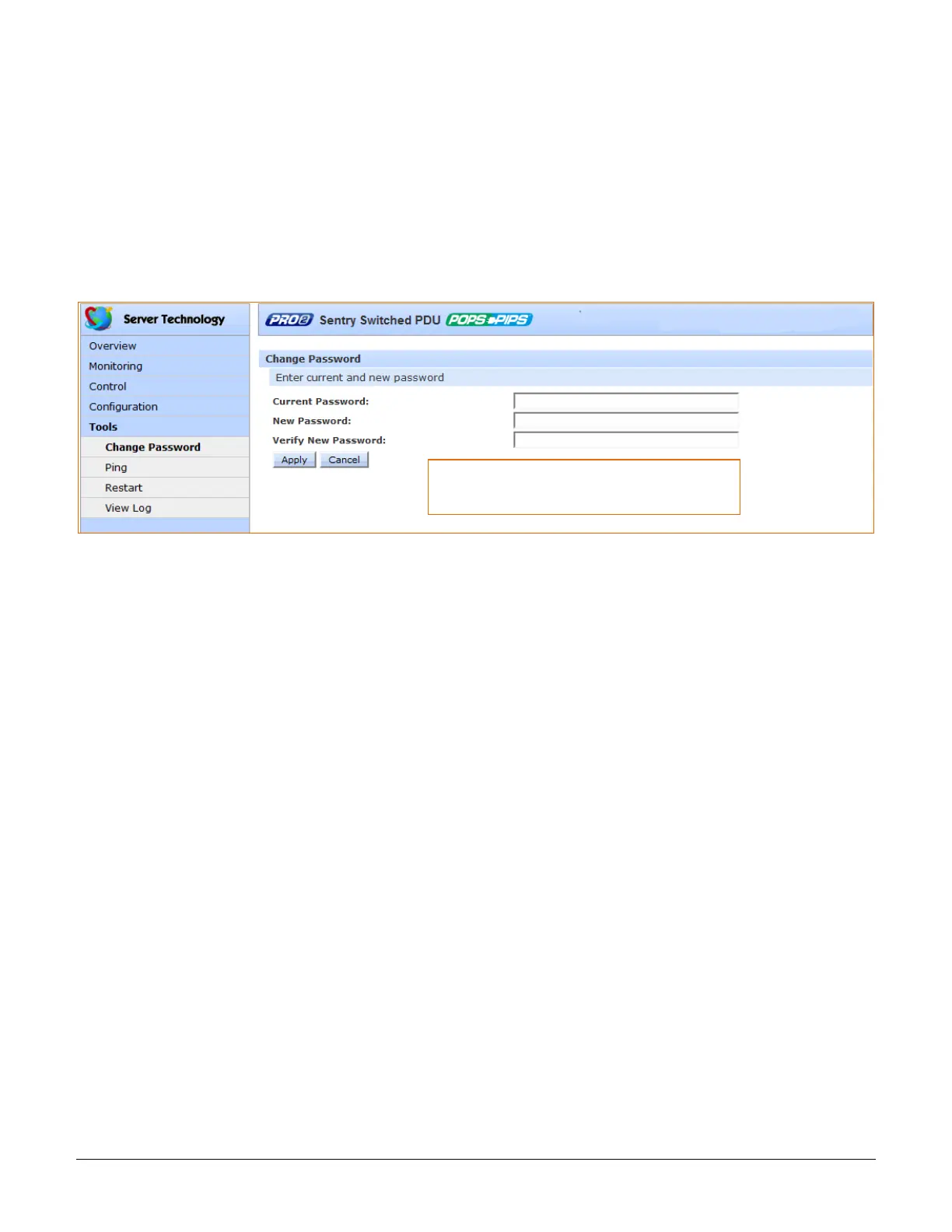
Tools > Change Password
This Change Password option allows firmware users to change their own passwords.
To change your password:
1. Type your current password, your new password, and verify the new password.
2. Click Apply.



 To Next Page