Switched PRO2 – User Guide
Using the Web Interface • 31
Overview > System Page Definitions
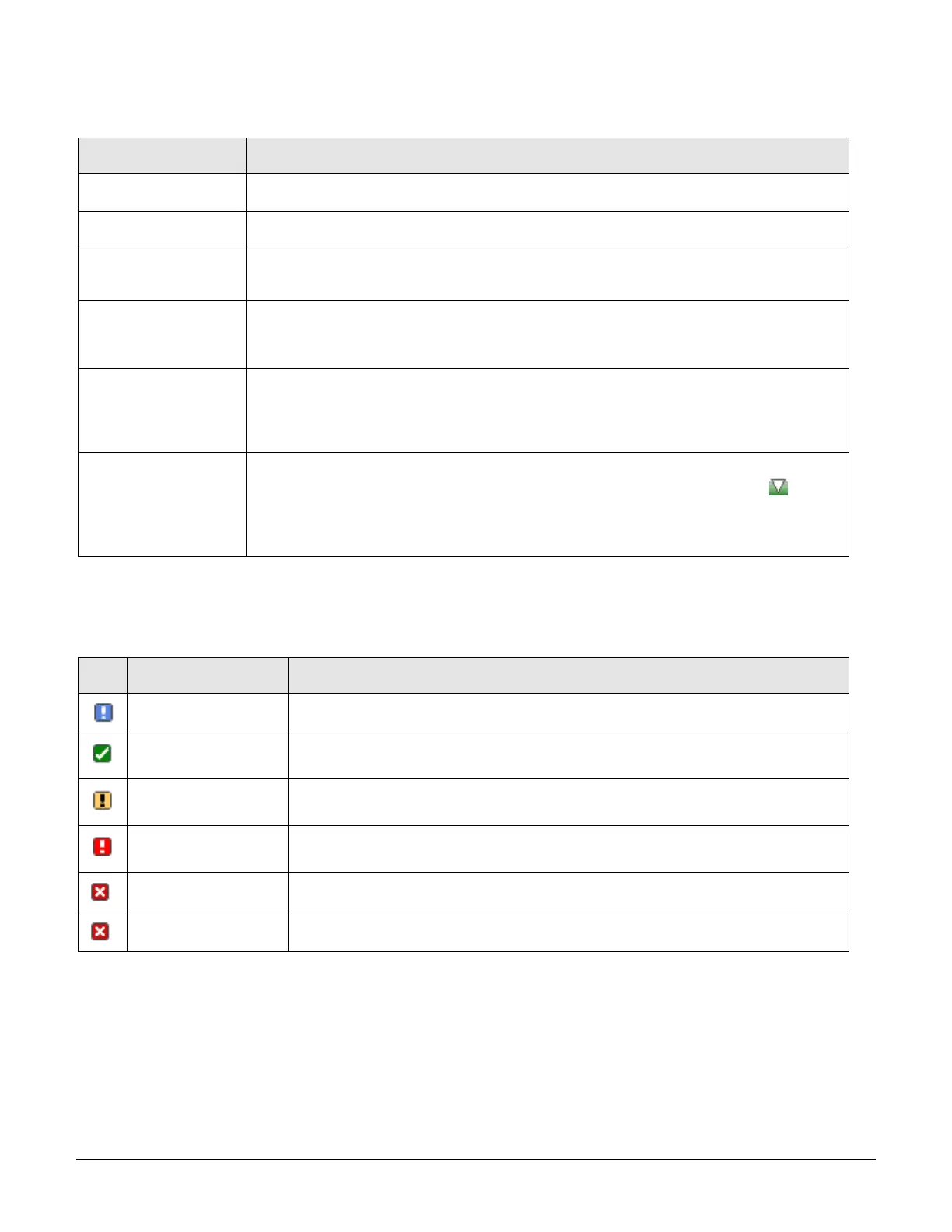
The System page uses the following fields and definitions:
System-assigned internal name that cannot be changed.
User-defined descriptive name for each line or temperature/humidity sensor.
Current state of the reported input load (in amps), current temperature (temperature scale C
F, as configured), or current percent of relative humidity (%RH).
User-defined low limit of the load, temperature, or humidity graph. These values depend on
the sensor limitation and cannot be set by the user. For example, a 0ºC low limit would be
displayed as 0 for a temperature sensor graph in Celsius.
Displays the high limit of the load, temperature, or humidity graph. For the
temperature/humidity sensors, these values depend on the physical sensor limits and cannot
be set by the user. For example, a 100ºC high limit would be displayed as 100 in the high limit
in a (Celsius) temperature sensor graph.
Sensor Graph and
Level Indicator
The horizontal sensor graph shows current operating conditions with color-coded icons,
described in the following table, Status Icons and Descriptions”. The level indicator
appears in the graph to indicate relative position of the current data value with respect to the
minimum (low limit) and maximum (high limit) values displayed at the left end and right end of
the graph.
Status Icons and Descriptions
The System page uses the following icons to report current operating conditions:
Unit is reading a new or restored sensor.
Current value outside user-configured threshold range.
Current value outside user-configured threshold range.
Connection has been lost to a sensor that was previously detected.
Error polling data from the PRO2.



 To Next Page