EasyManua.ls Logo

Server Technology switched pro2 - Page 33

Server Technology switched pro2
213 pages
Print Icon
To Next Page IconTo Next Page
To Previous Page IconTo Previous Page
Loading...
Switched PRO2 User Guide
Using the Web Interface 33
Sub-System Status
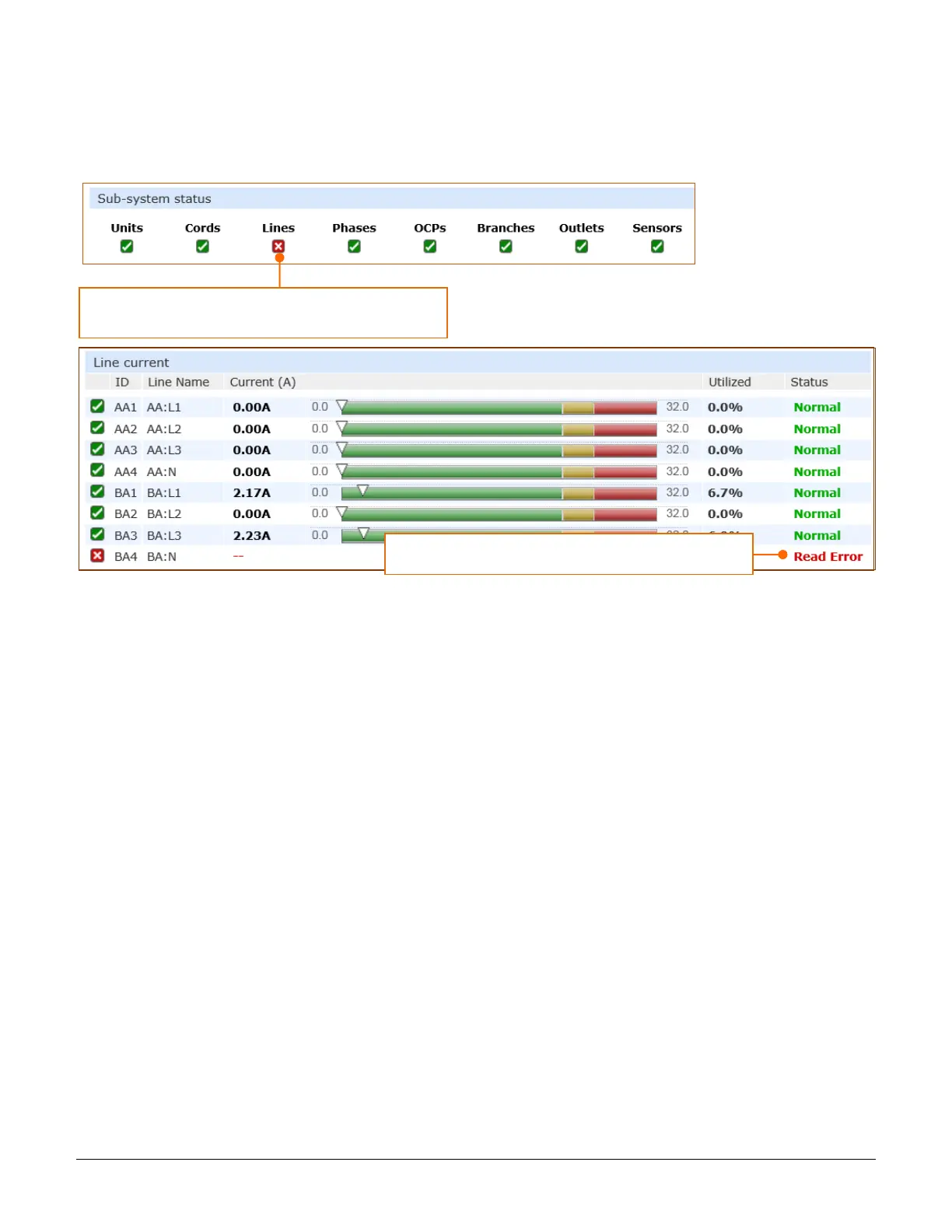
This Sub-System section of the Summary page provides a quick status view of the current operational state of
major PRO2 areas (units, cords, branches, etc.) showing a color-coded status icon.
Also provided is a link from each of the sub-system areas to the related monitoring page:

Click the name of one of the PRO2 system areas to display
its corresponding Monitoring page.
View detailed operating status on the Monitoring page.

Table of Contents

Related product manuals