Switched PRO2 – User Guide
Using the Web Interface • 58
To set apparent power thresholds:
1. Provide the threshold hysteresis between event state and recovery (VA). Range is 0-1000VA; default is
100VA.
2. Set the low/high alarm and low/high warning threshold values (VA). Cord apparent power includes power
factor. Range is min 0VA; max is power capacity shown in cstat command.
3. Click Apply.
Configuring Cord Power Factor Thresholds
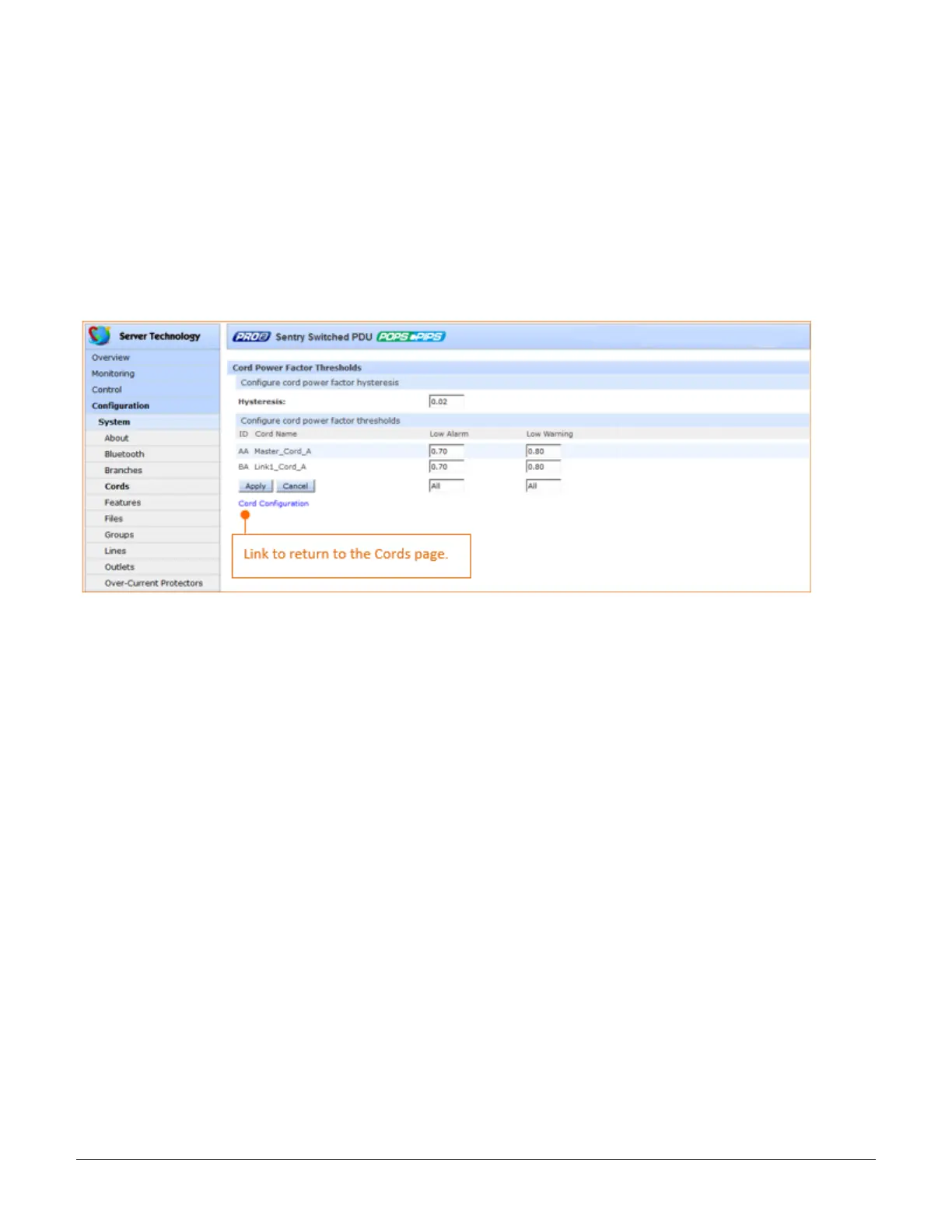
Click the power factor thresholds link at the bottom of the Cords page to display the configuration page:
To set power factor thresholds:
1. Provide a numeric value for the threshold hysteresis between event state and recovery. Range is 0.0-0.20;
default is 0.02.
2. Set numeric values for the low alarm/warning power factor thresholds. Range is min 0.00; max is 1.00.
3. Click Apply.



 To Next Page