SETTOPSURVEY, S.L. Bofarull 14, 08027 Barcelona (Spain) Phone: (+34) 93 340 05 73 Fax: (+34) 93 351 95 18 www.settopsurvey.com info@settopsurvey.com
40
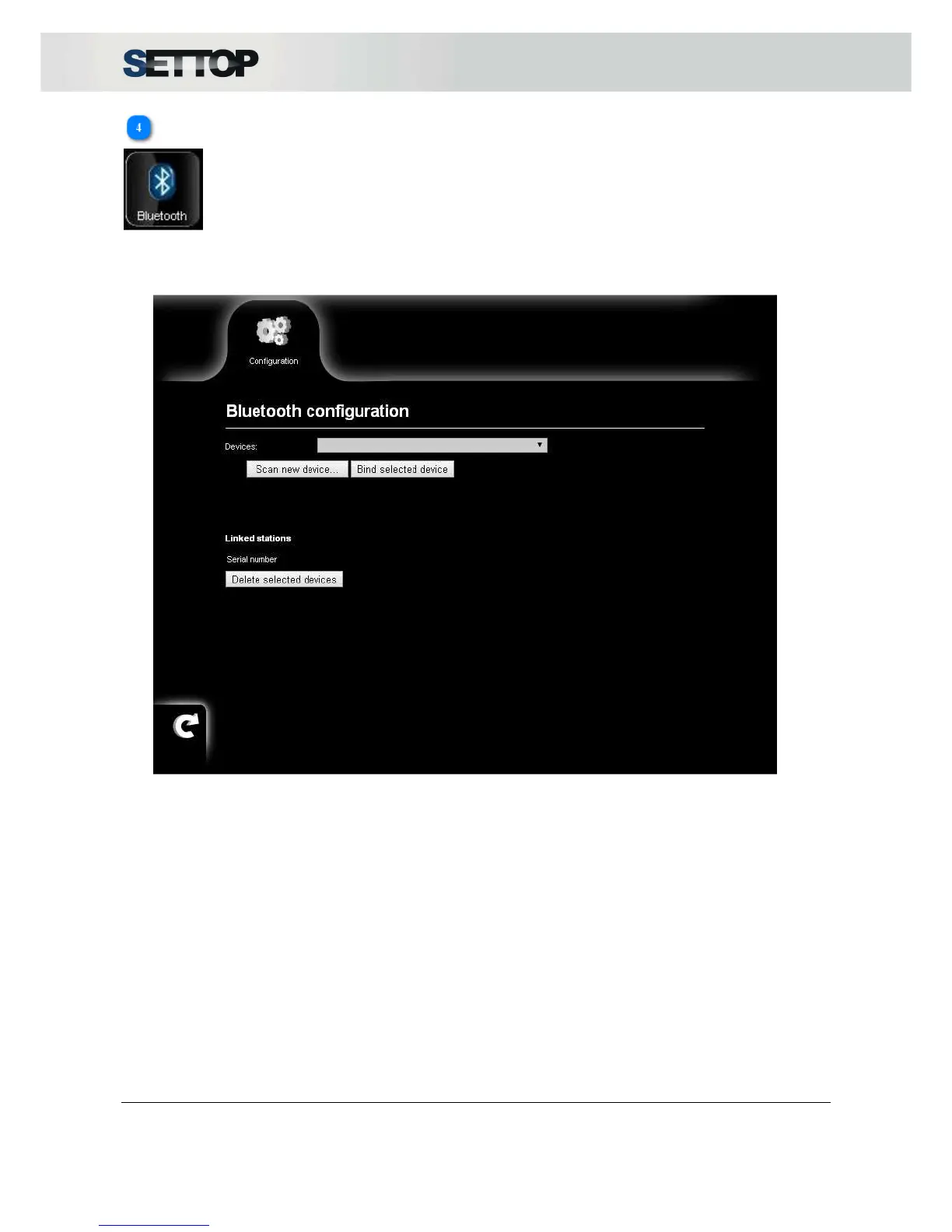
Bluetooth Settings
The Bluetooth connection will allow a wireless control of the Total Station, the maximum connection distance
is around 10m.
To synchronize Settop M1 with a Total Station we must go to the Bluetooth section and link the device. This
is done by pressing Scan new Device and selecting one from the list. To be assigned, press Assign devices.
This is then immediately added to the list of linked devices. Only total stations (TS) will appear in section TS
with their serial numbers.
Devices can be unlinked by activating the checkbox and pressing Delete selected devices.



 To Next Page