SETTOPSURVEY, S.L. Bofarull 14, 08027 Barcelona (Spain) Phone: (+34) 93 340 05 73 Fax: (+34) 93 351 95 18 www.settopsurvey.com info@settopsurvey.com
41
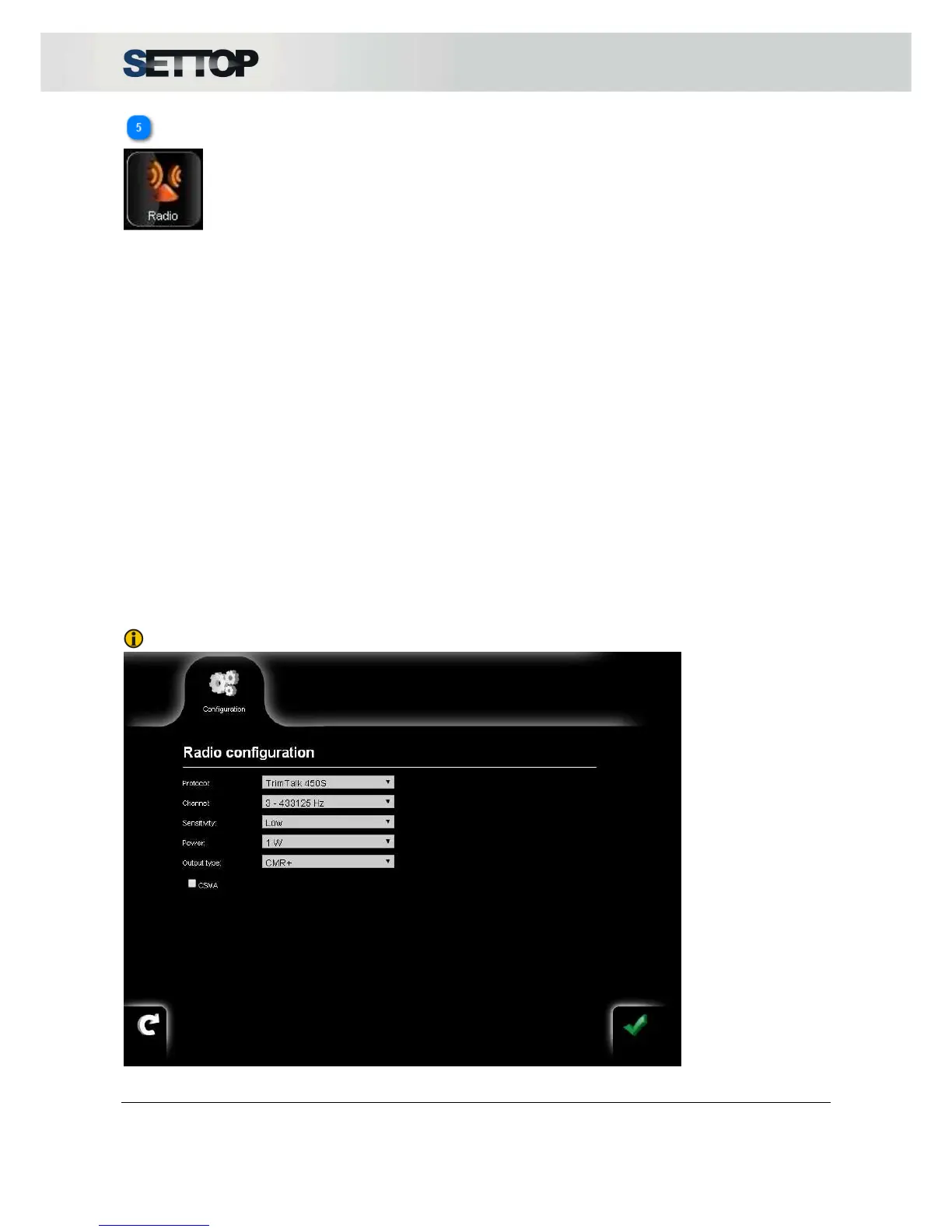
Radio Settings
The configuration of the radio allows you to choose between Protocol, Channel, Sensitivity, Power and type
of corrections,
Eligible protocols:
•
Transparent w EOT timeout
•
Transparent w EOT character
•
Packet switched
•
TrimMark II / IIe
•
TrimTalk 450S
•
SATEL
•
TT450 S (HW)
•
TrimMark 3
The radio channels should be in the frequency range from 390 to 430 MHz or between 430 to 470 MHz,
depending on the radio model and geographic location.
The sensitivity should be set depending on what you are going to give the Settop M1. High sensitivity is
recommended for jobs like configuring Rover and low sensitivity when working as Base.
Power can be 0.1, 0.5 and 1W.
Output types are CMR+ or RTCM3.0
NOTE: All USA users, must check the CSMA setting



 To Next Page