SETTOPSURVEY, S.L. Bofarull 14, 08027 Barcelona (Spain) Phone: (+34) 93 340 05 73 Fax: (+34) 93 351 95 18 www.settopsurvey.com info@settopsurvey.com
43
The bridge is set up to operate from either COM1- COM2 or COM2 – COM1.
To activate the bridge it is necessary to press OK.
The red arrow icon indicates that the bridge is not activated .
The Language option allows you to select English or Spanish language. The change is not made until you
press OK.
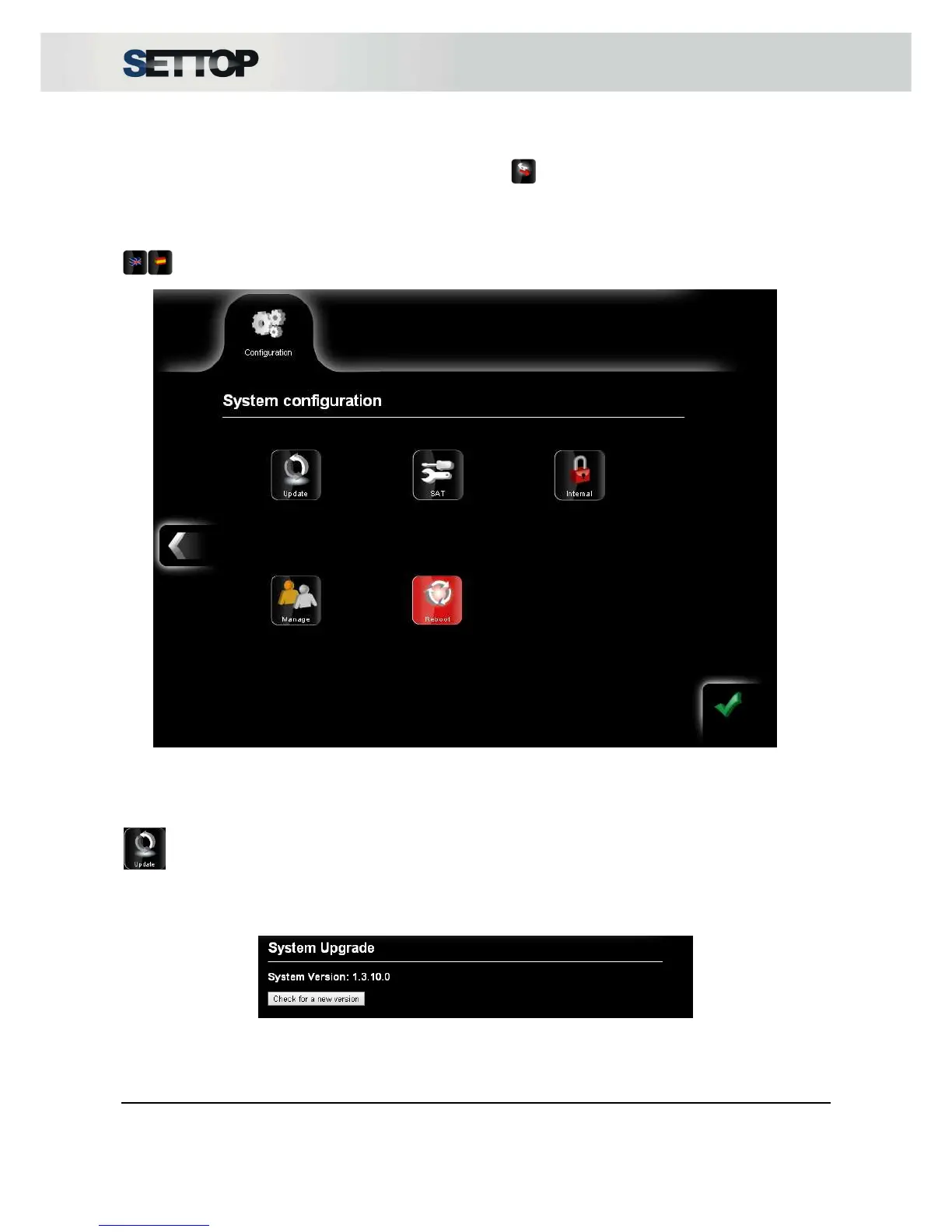
On the second screen of the system setup, there are internal options that are only available to qualified
technical service.
Update
Option: Used to update the Settop M1 to the latest firmware.
By pressing Check for a new version it connects to Settop Upgrade Servers and if there is some new version
available it will start to download the latest firmware.



 To Next Page