EasyManua.ls Logo

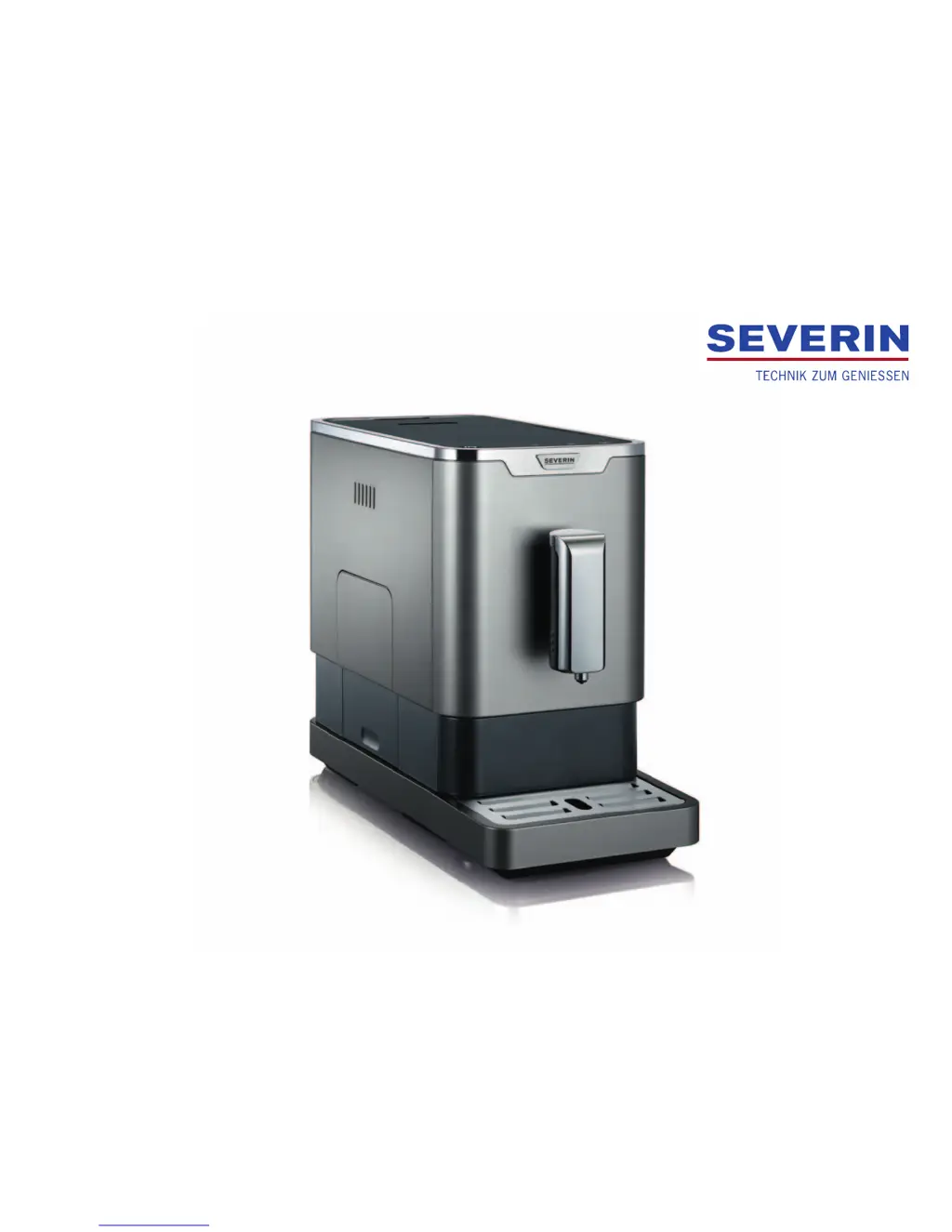
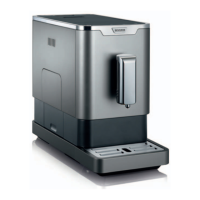
SEVERIN KV 8090 - User Manual

SEVERIN KV 8090
40 pages
Go to English
Print Icon
To Next Page IconTo Next Page
Loading...
Seve-33050 - 2017-03-17
BEDIENUNGSANLEITUNG
Kaeevollautomat KV 8090

Questions and Answers

  • R
    Robert CarrilloAug 18, 2025
    Why my SEVERIN KV 8090 Coffee Maker can not be switched on?
    • A
      amandanovakAug 18, 2025
      If the appliance cannot be switched on, ensure that the power cord is correctly connected to both the appliance and a functioning shock-proof socket.
  • M
    Margaret UnderwoodAug 20, 2025
    What to do if coffee does not flow from SEVERIN Coffee Maker outlet?
    • O
      Oscar CarrAug 20, 2025
      If coffee does not flow from the outlet of your SEVERIN Coffee Maker, the grind might be set too high, clogging the brewing unit. Try setting a coarser grind. Also, if the appliance was recently emptied or not flushed before its first use, draw hot water from the outlet.
  • Z
    zpayneAug 23, 2025
    How to fix flashing LED on SEVERIN KV 8090?
    • R
      robert94Aug 23, 2025
      If the LED on your SEVERIN Coffee Maker is flashing, make sure the water tank is properly inserted and contains an adequate amount of water. Add water if the tank is low; ensure the tank is correctly placed.
  • M
    Martha BlackAug 26, 2025
    What to do if LED flashes on SEVERIN Coffee Maker?
    • J
      Jonathan LoweryAug 26, 2025
      If the LED on your SEVERIN Coffee Maker is flashing, and the water tank is not the issue, check the bean container. Add coffee beans if the container is low. Also, the coffee chute might be soiled; clean it to resolve the issue.
  • D
    derekmossAug 28, 2025
    Why SEVERIN KV 8090 buttons respond delayed?
    • J
      Jimmy BowenAug 28, 2025
      If the buttons on your SEVERIN Coffee Maker respond with a delay or not at all, the appliance might be disturbed by electromagnetic fields. Switch off the appliance, disconnect the plug, wait a few minutes, then plug it back in and switch it on again. Also, clean the surface of the appliance with a soft, lint-free cloth, and ensure you are pressing slightly underneath the lighted symbols.
  • D
    Daniel WallsAug 30, 2025
    Why is coffee too cold from SEVERIN KV 8090 Coffee Maker?
    • W
      William RogersAug 30, 2025
      If the coffee from your SEVERIN Coffee Maker is too cold, it is likely due to scale accumulation in the appliance. Descale the appliance.
  • E
    Elizabeth HinesSep 2, 2025
    Why the coffee has no Crema from SEVERIN Coffee Maker?
    • A
      alicia70Sep 2, 2025
      If the coffee from your SEVERIN Coffee Maker has no Crema, the coffee might not be fresh. Try changing the coffee or the type of coffee. Also, the grind might be set incorrectly, so adjust the grind to suit your type of coffee.
  • C
    cmartinSep 4, 2025
    What does it mean when LED is lit on SEVERIN KV 8090 Coffee Maker?
    • B
      Brad BraySep 4, 2025
      If the LED is lit on your SEVERIN Coffee Maker, it indicates that the coffee grounds container is full. Empty the coffee grounds container.
  • D
    daniellecarlsonSep 7, 2025
    What to do if LED flashes and coffee grounds container is not properly inserted in SEVERIN KV 8090?
    • S
      Suzanne AllenSep 7, 2025
      If the LED on your SEVERIN Coffee Maker is flashing, it could mean that the coffee grounds container has not been properly inserted. Ensure that you correctly insert the coffee grounds container.
  • D
    Donna YoungSep 9, 2025
    What to do if LED is lit and brewing unit was not properly inserted in SEVERIN Coffee Maker?
    • K
      Kyle HallSep 9, 2025
      If the LED is lit on your SEVERIN Coffee Maker, the brewing unit may not have been properly inserted. Make sure to correctly insert the brewing unit.

Summary

Kundendienst

1 Overview and scope of delivery

2 For Your Safety

Follow the operating instructions

General advice to read and follow all operating instructions for safe use.

Hazards for certain persons

Details risks for children and persons with reduced capacities.

Correct use

Specifies intended use and environments, highlighting improper use.

Power safety precautions

Electrical safety precautions and connection guidelines to prevent shocks.

Risk of scalding

Warns about hot water and steam risks during operation.

Hygiene risks

Explains risks of poor hygiene and the importance of cleaning.

Risks for the appliance

Outlines potential damage from incorrect handling and usage.

Handling defective appliances

Advises on handling defective appliances and seeking professional repair.

3 Setting up the appliance

4 Preparing the appliance

Inserting the water filter (optional)

Instructions for inserting and flushing the optional water filter.

5 Preparing beverages

5.1 Operation

Explains how to operate the appliance using its buttons and LEDs.

5.2 Preparing coffee;espresso

Step-by-step guide for brewing coffee or espresso.

5.3 Drawing hot water

Instructions for dispensing hot water from the appliance.

5.4 Adjusting the grind

How to adjust the coffee bean grinding fineness for taste.

5.5 Changing the mode

Details the different operating modes (ECO, Speed, Standard).

6 Cleaning the appliance

6.1 Daily cleaning

Procedures for daily cleaning of the coffee machine parts.

6.2 Cleaning the outlet

Instructions for cleaning the coffee dispensing outlet.

6.3 Cleaning the coffee chute

How to clean the internal coffee chute.

6.4 Descaling the appliance

Guide for removing limescale buildup from the appliance.

6.5 Cleaning the surface

Instructions for cleaning the exterior surfaces.

7 Troubleshooting

7.1 Remedying problems yourself

Provides common problems, causes, and remedies for self-help.

7.2 Accessories and spare parts

Lists available accessories and spare parts for the appliance.

8 Storage and disposal

8.1 Emptying the appliance

Steps to empty the appliance before storage or disposal.

8.2 Storing the appliance

Instructions on how to store the appliance properly.

8.3 Disposing of the appliance

Guidance on environmentally sound disposal of the appliance.

9 Warranty

10 Technical data

Customer service

SEVERIN KV 8090 Specifications

General IconGeneral
Auto power offYes
Product typeEspresso machine
Capacity in cups- cups
Number of spouts1
Coffee input typeCoffee beans, Ground coffee
Coffee maker typeFully-auto
Appliance placementCountertop
Water tank capacity1.1 L
Coffee beans capacity160 g
Maximum operating pressure19 bar
Reservoir for brewed coffeeCup
Ground coffee container capacity10 cups
Control typeTouch
Product colorGrey, Metallic
Built-in displayNo
Drip/spout adjustmentVertical
Ristretto making-
Weight and Dimensions IconWeight and Dimensions
Depth180 mm

Related product manuals