67
7 Passive location
Points to note when working with the radio location type
Note the following points when locating with the Radio location
type rather than the Current location type and active location:
Signal behaviour only available for maximum narrow
Gain only manual
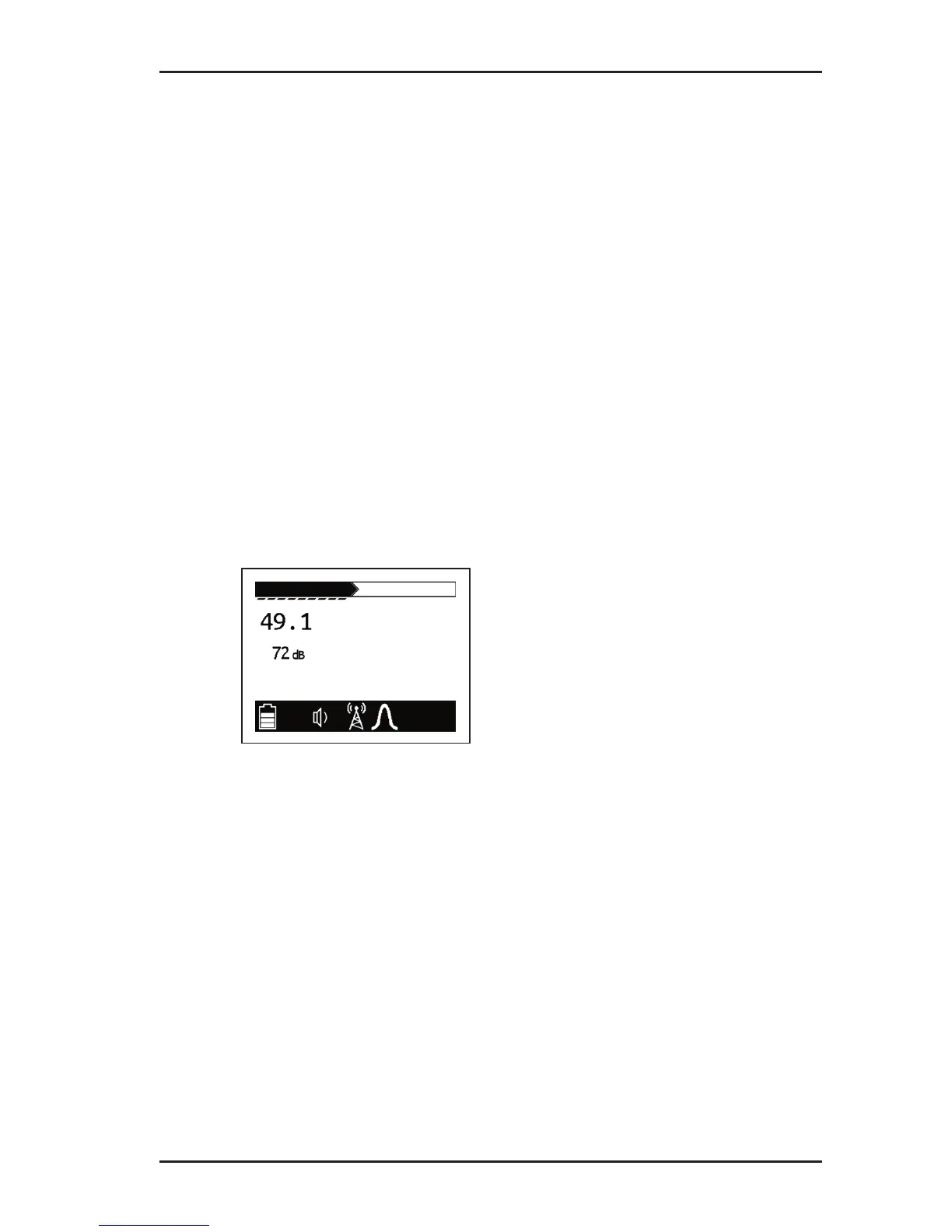
Display onlygainandeldstrengthvisible
(Fig. 28)
Acoustic signals no modulation
– sounds like signal noise
Field strength strength high over the line to be located
– as soon as the receiver moves only
slightly away from the line to be located,
theeldstrengthdropsconsiderably.
Fig. 28: Receiver display – passive location in radio location type



 To Next Page