PO Box 3526, Bellevue, WA. 98009 13737 SE 26
th
St. Bellevue, WA. 98005
Toll Free: 800-259-7331 * Phone: 425-746-6310 * Fax: 425-746-6384
www.sgcworld.com * Email: sgc@sgcworld.com
© 2003 SGC Inc. 8
to visually inspect the circuit boards, you need to do the following:
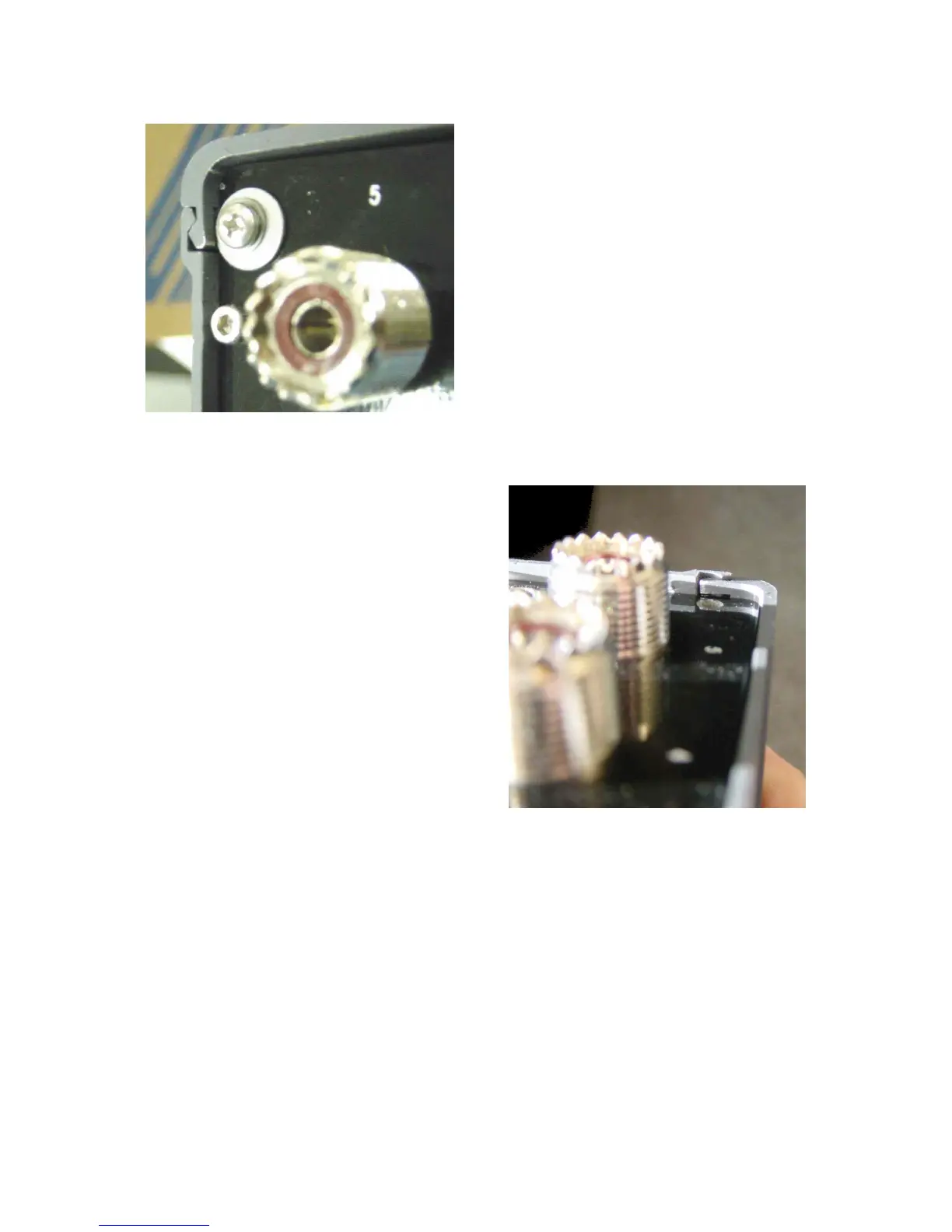
1. Loosen the cover lock
on the back panel of the
MAC-200 until the
washer disengages from
the MAC-200 cover.
2. Slide the cover forwards
or backwards until it
disengages from the rail.
To re-close the cover:
1. Orient the cover so
that the small groove
for the locking
washer is at the back
of the MAC-200
2. Engage the cover
with the body of the
MAC-200 from the
front or the back and
slide it into place.
3. Holding the MAC-200 with the back panel UP, push
the washer into the slot engaging the cover slot and
drive the screw into the hole until tight.
3.2 Connections to the MAC-200


 To Next Page