18
Setting the DMX mode
Using the “DMX mode” menu available from the control panel, specify the DMX mode that provides the device controls that
you require:
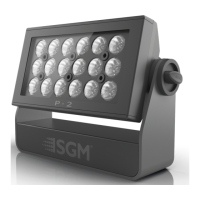
P-2 DMX modes Function
3
Individual control of color channels for red, green & blue. White is automatically mixed in.
6
RGBW, dimmer, shutter, strobe, pulse & open shutter effects.
9
RGB with individual colour panel control.
12
RGB with individual colour panel control, dimmer, shutter, strobe, pulse & open shutter effects.
15
RGBW, dimmer, shutter, strobe, pulse & open shutter effects.
22
RGB with fine individual colour panel control, dimmer, shutter, strobe, pulse & open shutter effects.
P2 Manual_170x113,3.book Page 18 Wednesday, January 7, 2015 11:47 AM


 To Next Page