GB
appendice
page 51
I D F E
13 - Practical users guide
The following pages contain the series of commands to use to obtain a particular condition.
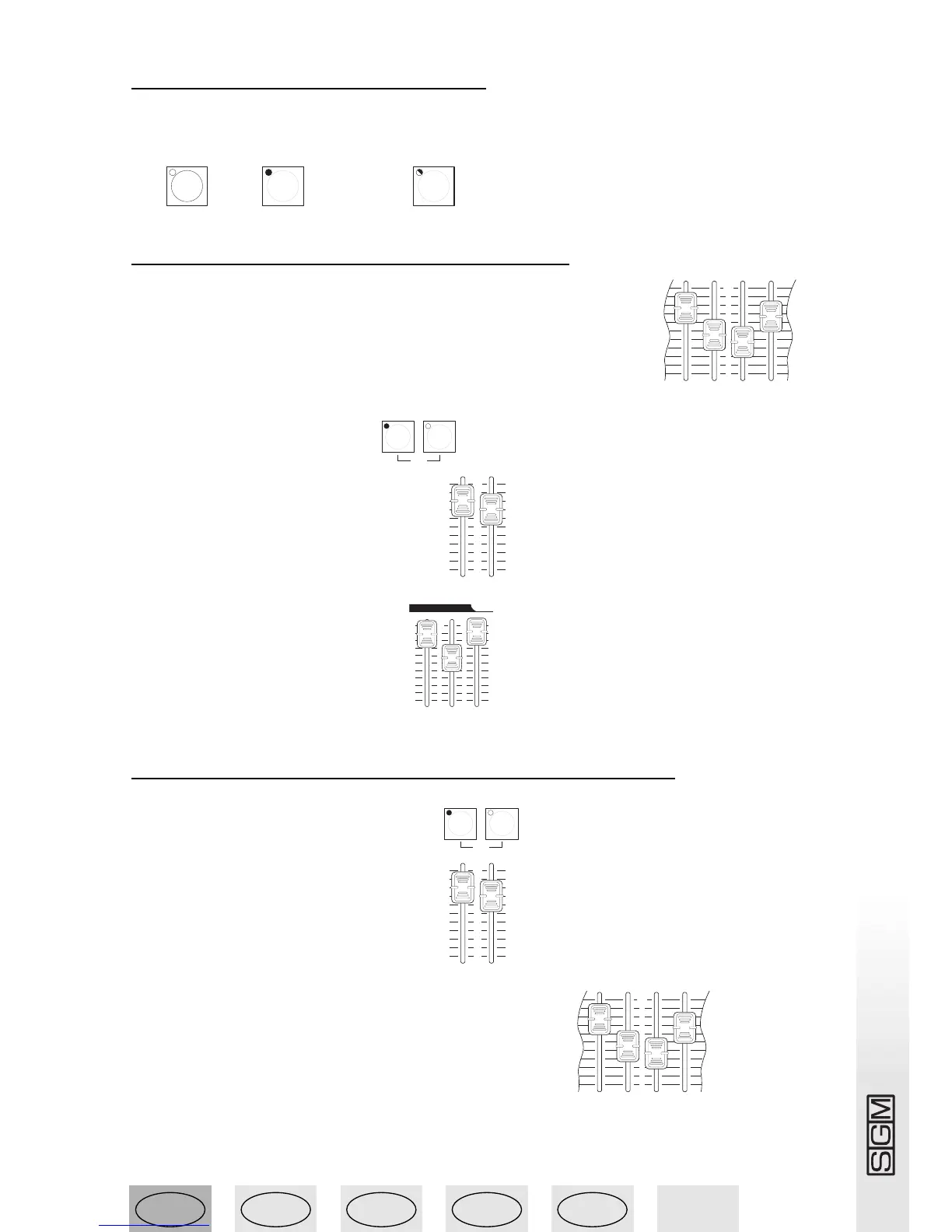
For convenience, the following three symbols indicate the status of the buttons’ LEDs:
off ( ), on ( ) or flashing ( ).
13.1 - Turning on light channels
1 - set the required values using the faders of Preset A or B (or both) .
2 - Turn on preset A or B or both .
3 - Set a level on preset A or B or both .
4 - Set a level on the Grand Master .
13.2 - Crossfading manual presets (GO)
1 - Turn on preset A and turn off preset B .
2 - Set a level on preset A or B or both .
3 - Set preset A and preset B faders at the required levels .



 To Next Page