page 54
13.7 - Unlatching a light channel from the Link
1 - Press the LINK button and hold it down .
2 - Press the button of the channel to unlatch .
3 - Release the LINK button (the LED goes off) .
13.8 - Creating a chase
To create Chase 1, made up of 2 steps:
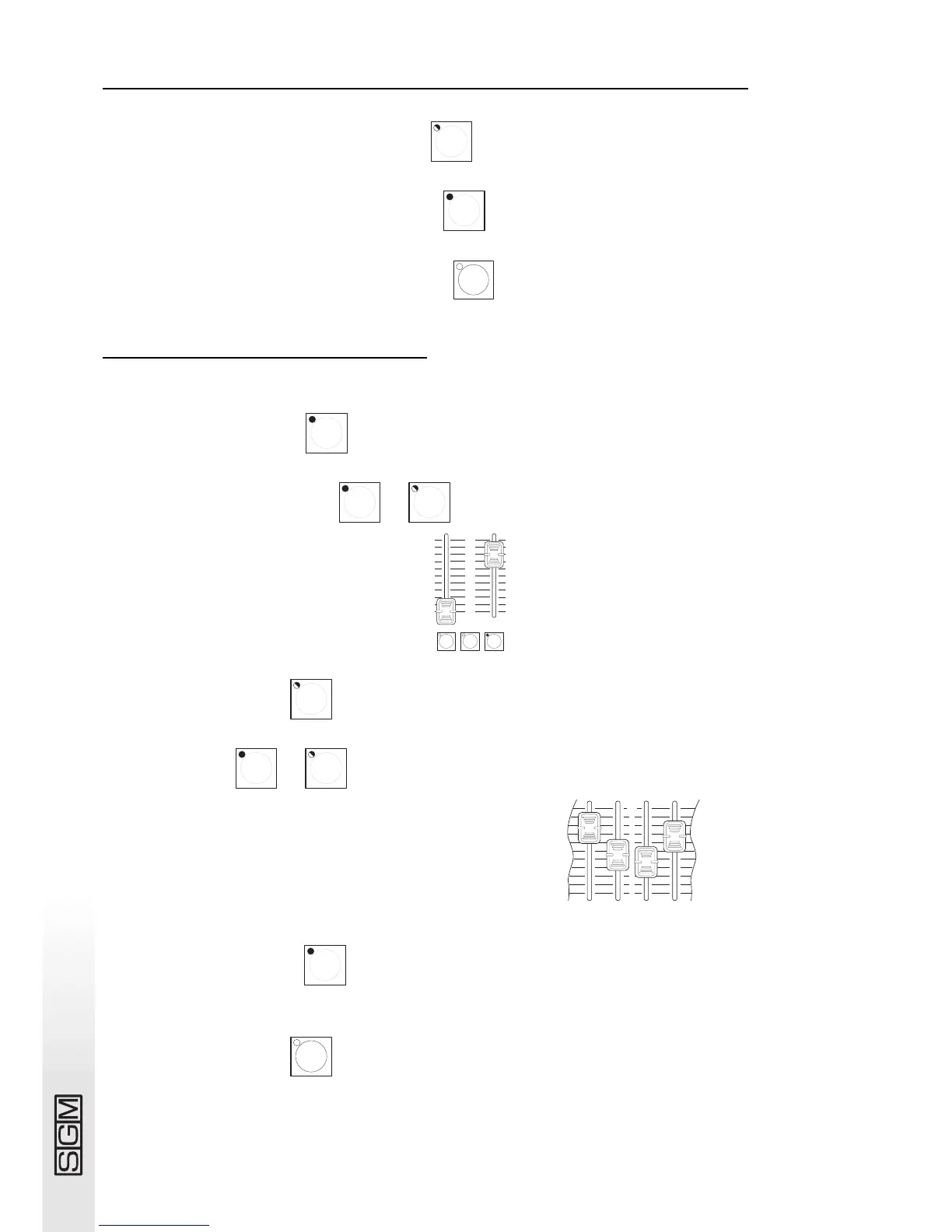
1 - Press the Direct button .
2 - Select Chase 1 by pressing + .
3 - Set the Chase output level as required
4 - Press the Edit button .
5 - Select step 1: + .
6 - On preset A, move the faders of the required channels or press the
individual channel buttons .
7 - Repeat points 5 and 6 for step 2.
8 - Press the Edit button .



 To Next Page