GB
appendice
page 53
I D F E
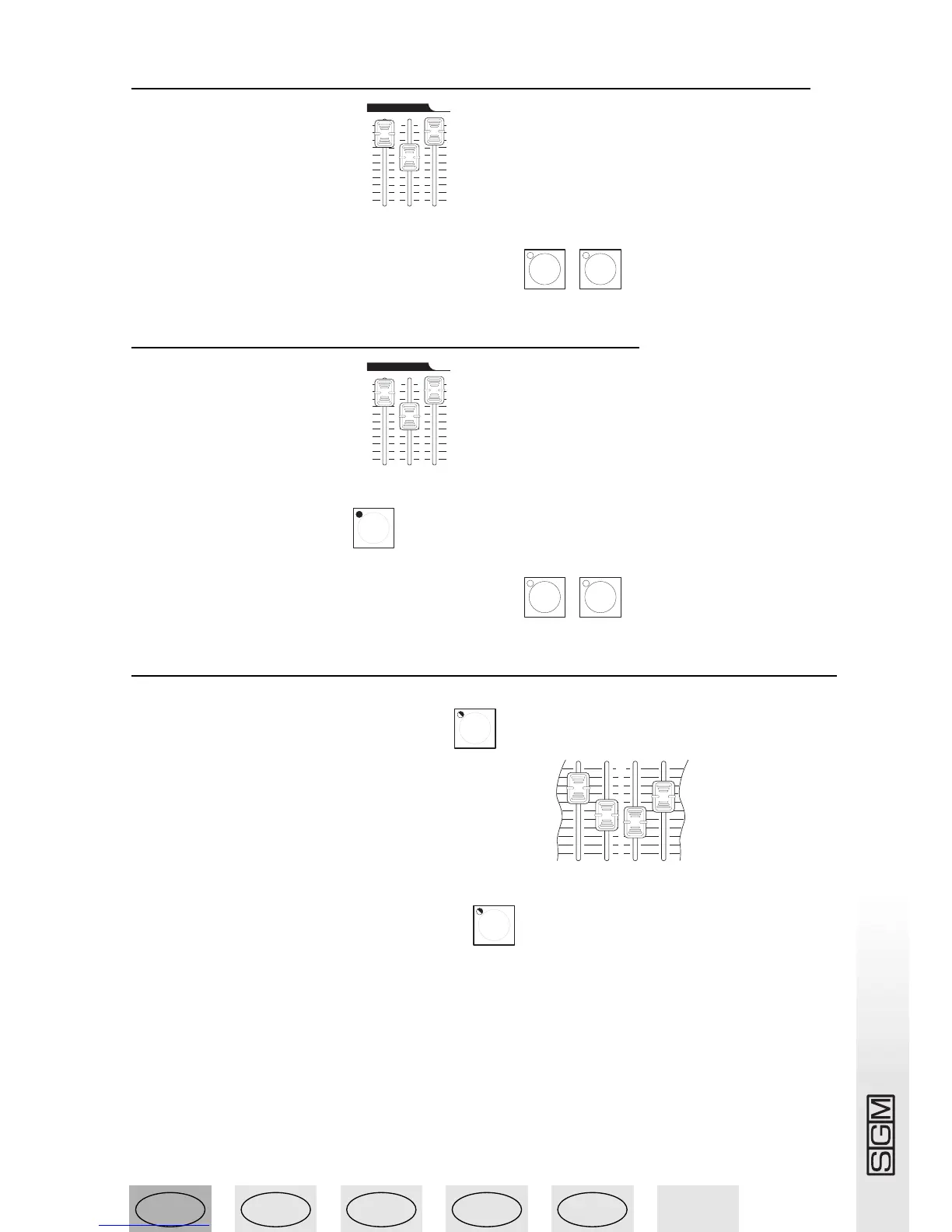
13.4 - Generating flashes from the light channels
1 - Set the Master Flash level .
2 - Press the buttons of the channels below preset B .
13.5 - Generating a subtractive flash
1 - Set the Master Flash level .
2 - Enable the SOLO function .
3 - Press the buttons of the channels below preset B .
13.6 - Unlatching a light channel from presets A and B
1 - Press the LINK button and hold it down .
2 - Move the fader of the required channel on preset A .
3 - Release the LINK button (the LED flashes) .



 To Next Page