EasyManua.ls Logo

SGM Studio 12 - 13.2 - Crossfading manual presets (GO); 13.3 - Storing a Memory Register

SGM Studio 12
62 pages
Print Icon
To Next Page IconTo Next Page
To Previous Page IconTo Previous Page
Loading...
page 52
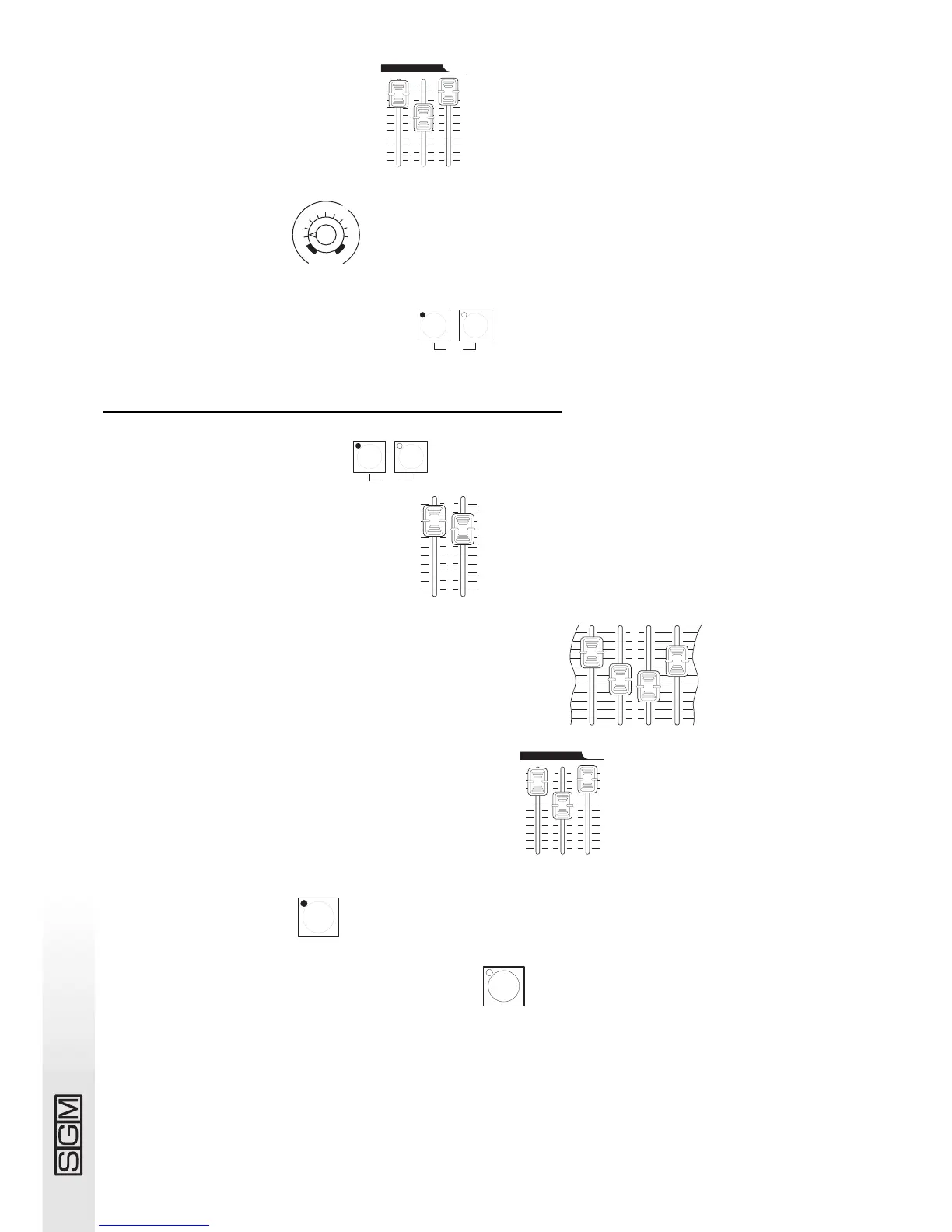
4 - Set a level on the Grand Master .
5 - Set crossfade time .
6 - Press buttons A and B simultaneously .
13.3 - Storing a Memory Register
1 - Turn on preset A or B or both .
2 - Set a level on preset A or B or both .
3 - Set preset A and/or preset B faders at the required levels .
4 - Set the levels of the Grand Master and Reg Master .
5 - Press the Grab button and hold it down.
6 - Press the button of the target Memory Register .

1
grab
reg flash grand
2
3
4
5
6
7
8
9
2
3
4
5
6
7
8
9
10 10
0
1
0
1
masters
0
1
2
3
4
5
6
7
8
9
10
5 6 7 8
Aorpset
1
2
3
4
5
6
7
8
9
10
0
B
Aorpset B
go
Aorpset B
go
s
e
c
o
n
d
s
m
i
n
u
t
e
s
1
2
4
8
16
32
1
2
4
8
manual presets cross time
off max
0
reg flash grand
2
3
4
5
6
7
8
9
2
3
4
5
6
7
8
9
10 10
0
1
0
1
masters

Table of Contents