GB
appendice
page 55
I D F E
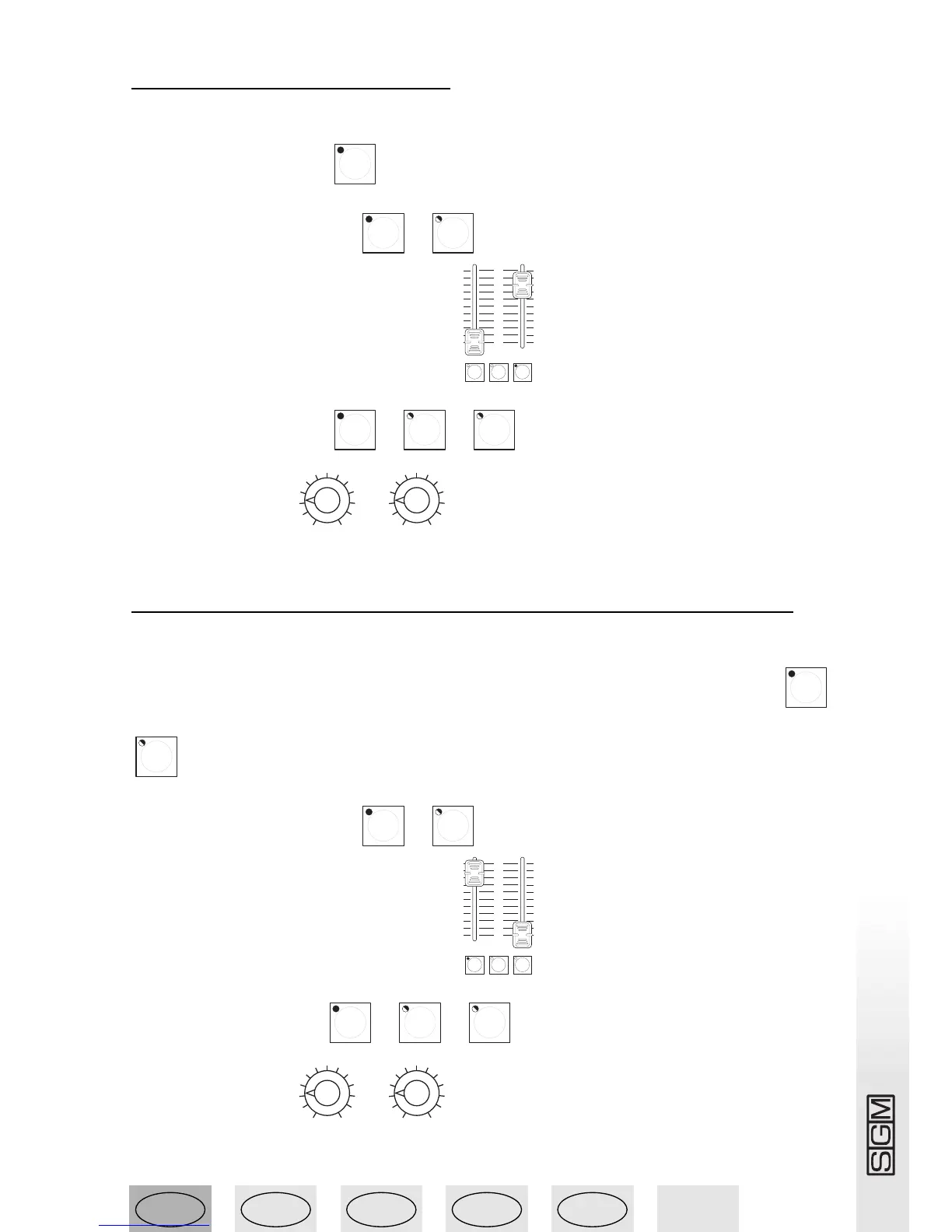
13.9 - Running a chase
To run the Chase 1 created in 13.8 (made up of two steps):
1 - Press the Direct button .
2 - Select Chase 1 by pressing + .
3 - Set the Chase output level as required
4 - Select the steps to run: + + .
5 - Set running time .
13.10 - Assigning a chase to a Memory Register
To assign the Chase 1 created in 13.8 to Register 1:
1 - Press and hold down the Reg button, followed by the required Register button +
.
2 - Select Chase 1 by pressing + .
3 - Set the Chase output level as required
4 - Select the steps to run + + .
5 - Set running time .



 To Next Page