page 56
13.11 - Deleting a chase from a Memory Register
To delete Chase 1 from Register 1:
1 - Press and hold down the Reg button, followed by the required Register button +
.
2 - Delete the Chase by pressing + .
13.12 - Switching off a chase in Direct mode
To switch off Chase 1:
1 - Press the Direct button .
2 - Switch off Chase 1 by pressing + .
13.13 - Re-addressing a dimmer channel
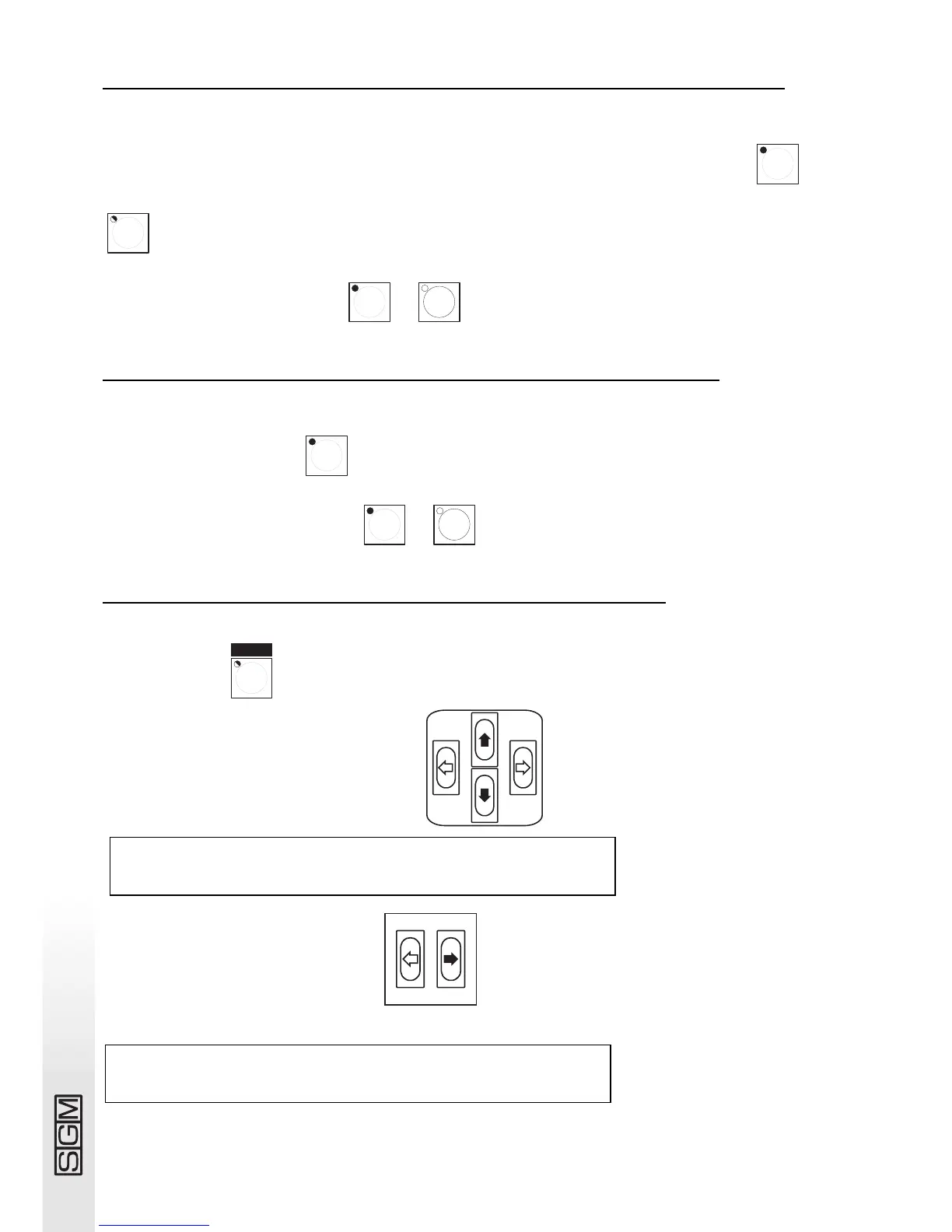
To address channel 12 in the manual preset section to DMX channel number 512 in On/Off mode:
1 - Press button .
2 - 2 - Use the Up/Down arrows to scroll to
3 - Press the right-hand Scroll button .
4 - The following appears on the display:
.
DMX-CH CHANNEL LIM% EQUAL ok->
[001] <---- -- --- - <DEL>
CONFIGURATION & SET UP
SELECT --> [DIMMER PATCH ] ok->



 To Next Page