GB
appendice
page 57
I D F E
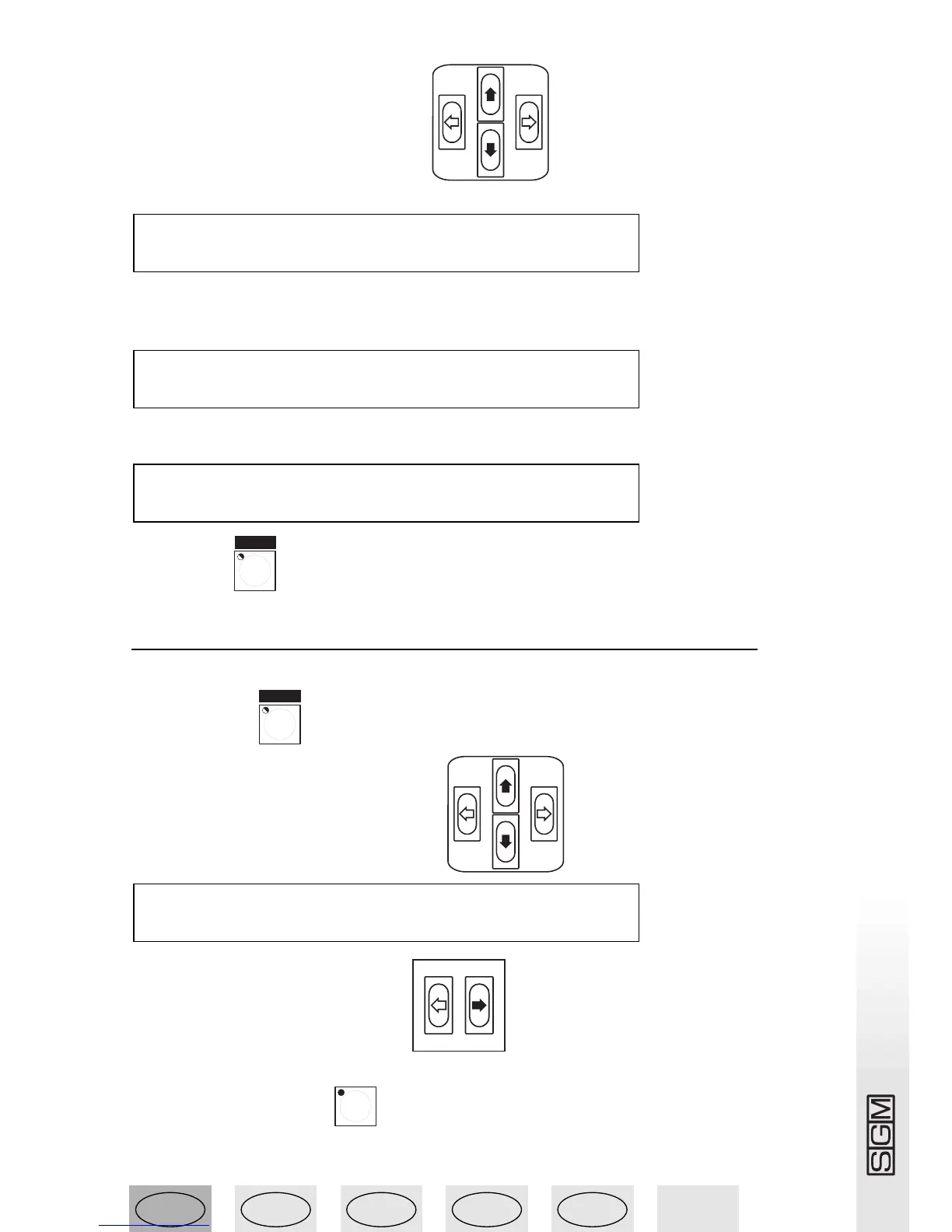
5 - Press the cursor Up/Down buttons to set the DMX channel the console’s
physical channel has to be addressed to until the required channel appears:
.
6 - Use the Left/Right cursor to go under the “DMX-CH” field and set the logic channel of the
mixer which has to control channel 512 (if the values weren’t preset, selecting the logic channel
automatically creates the LIM% and EQUAL “fields”:
.
7 - Use the Left/Right cursor to go under the “Equal” field and set the EQ curve to be applied to
channel 512:
.
8 - Press the button to store the configuration and exit Setup.
13.14 - Addressing unit 1 to the Scan Control
With a Victory II 250 addressed starting from channel 50:
1 - Press button .
2 - Use the Up/Down arrows to scroll until
appears on the display
3 - Press the right-hand Scroll button .
4 - Press the Unit 1 button .
5 - The following menu is displayed:
DMX-CH CHANNEL LIM% EQUAL ok->
512 <---- 12 --- [8] <DEL>
DMX-CH CHANNEL LIM% EQUAL ok->
512 <---- [12] --- - <DEL>
DMX-CH CHANNEL LIM% EQUAL ok->
[512] <---- -- --- - <DEL>



 To Next Page