page 58
.
6 - Press the right-hand cursor button to set the field to be modified
7 - Use the Up/Down buttons to select the Victory II:
.
8 - Use the Left/Right buttons to select the FROM field (start address) and set the required value:
.
9 - Check the configuration of the dipswitches on the display and set the fixture’s in the same
way.
10 - Press the button to store the configuration and exit Setup.
13.15 - Using a unit in manual
To control unit 1 as set in parag. 13.14 (operating indifferently in DIRECT or REG mode):
1 - Press the Unit 1 button .
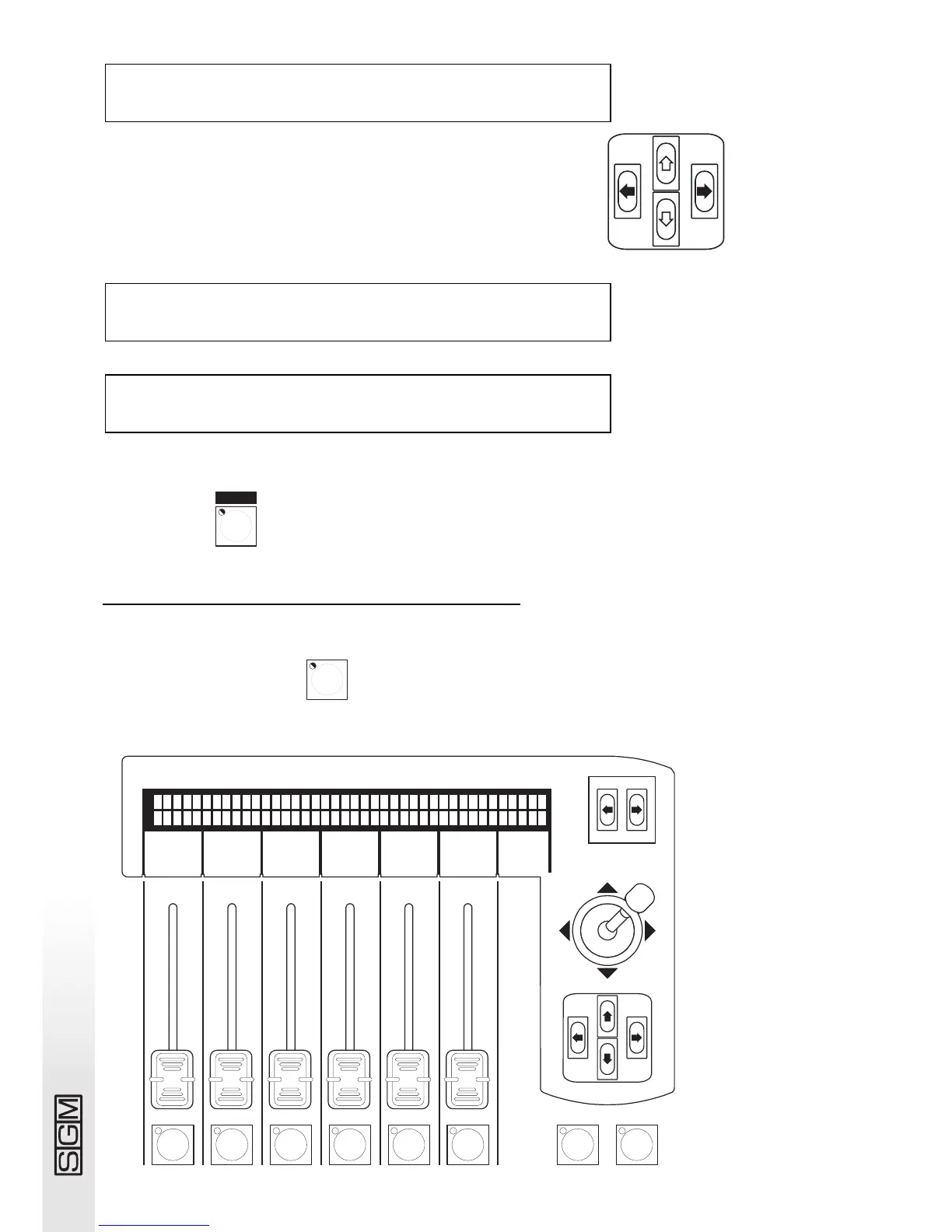
2 - Set the scanner controls as required using the faders, checking the value of the command
sent on the display:
UNIT TYPE FROM [050]1--cod--10
1 VICTORY 2 <DEL> A - 57 ˘˛˛˛˘˘˛˛˛
UNIT TYPE FROM ---- 1--cod--10
1 [VICTORY 2 ]<DEL> A ---- ˛˛˛˛˛˛˛˛˛
UNIT TYPE FROM ---- 1--cod--10
[ 1]-------------<DEL>TO ---- ˛˛˛˛˛˛˛˛˛



 To Next Page