GB
appendice
page 59
I D F E
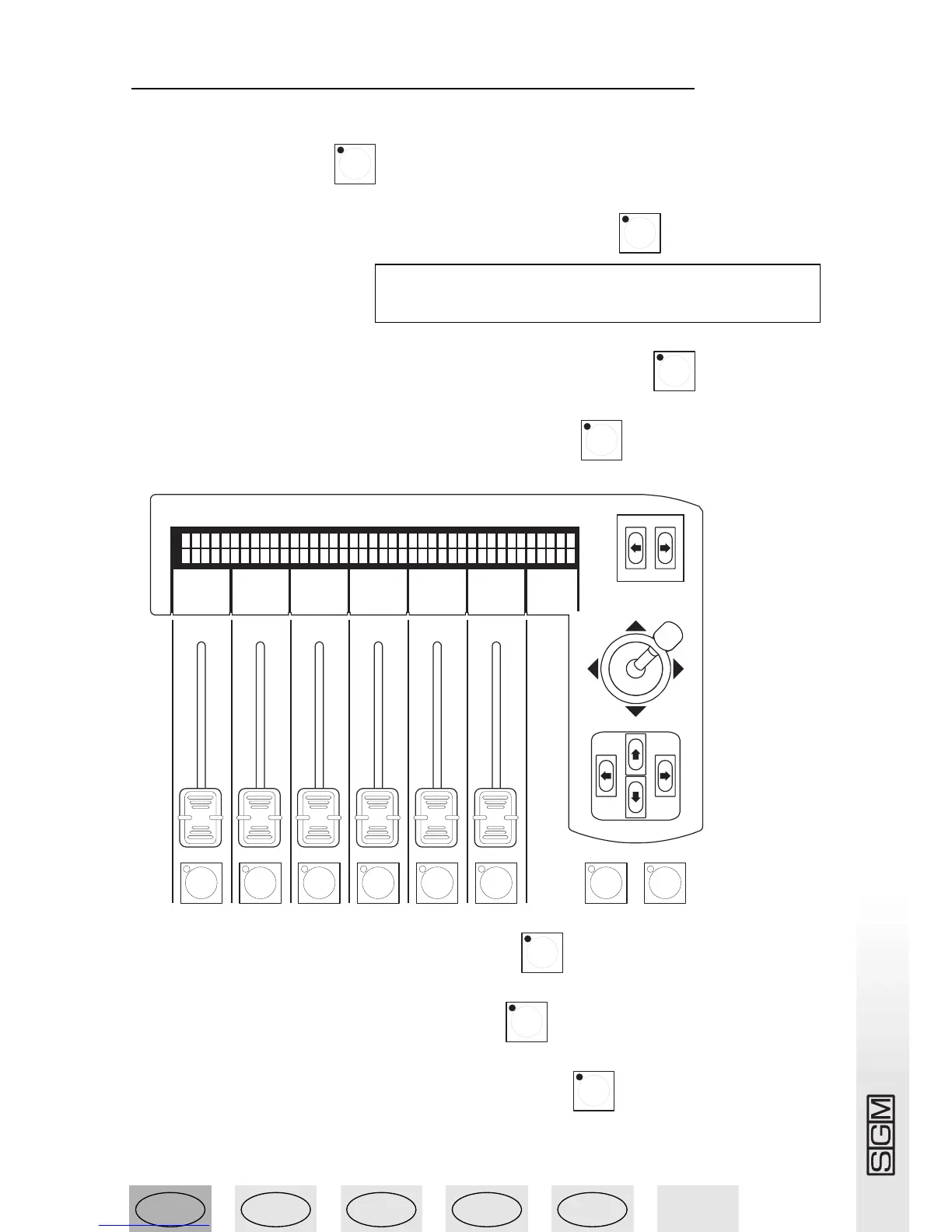
13.16 - Creating a Scan Control program
To create program 1, made up of 1 scene and using 1 unit:
1 - Press the Direct button .
2 - Press and hold down the Prog button of the required program .
3 - The following menu appears:
4 - Press the buttons of the scenes that have to make up the program: .
5 - Press the buttons of the units to be used in the program: .
6 - Press the buttons (below the faders) of the selected unit’s effects to be used in the program.
.
7 - Release the Prog button of the required program .
8 - Press the Prog button of the required program .
9 - Press the button of the scene to be created or modified: .



 To Next Page