Install Fable Blockly on Windows
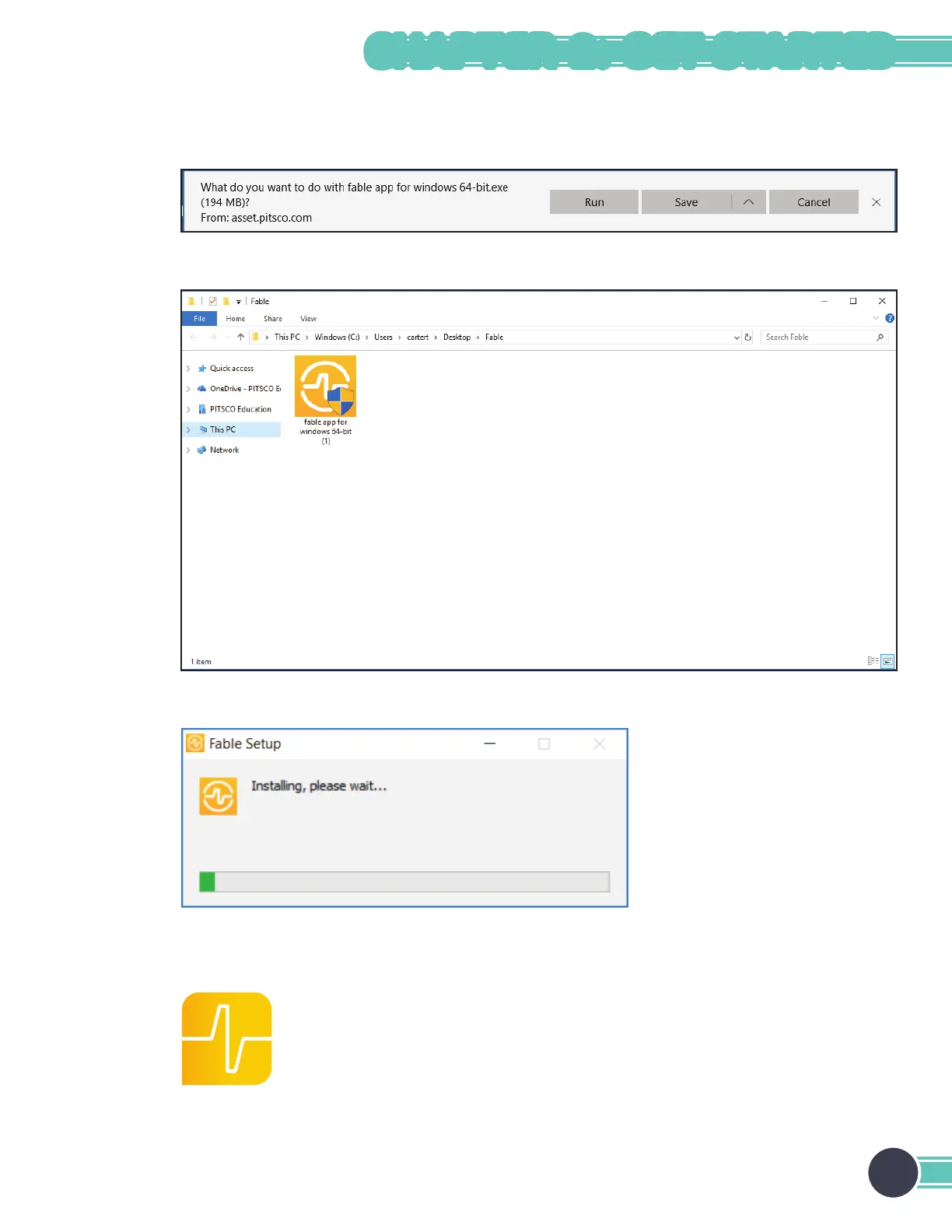
1. After you have selected your operating system, click Save File on the dialog box.
2. After the le has nished downloading, go to the destination folder and double-click the Fable Setup icon.
After you have double-clicked the Fable Setup icon, you should see a dialog box with a progress bar indicating
the status of the installation process.
3. Plug in the hub to your PC’s USB port. If you’re running Windows 7 or 8, see the Install the Hub Driver
(Windows 7 and 8) section.
4. Start the PC program by clicking this icon located on your desktop:
13
CHAPTER 2: GET STARTED



 To Next Page