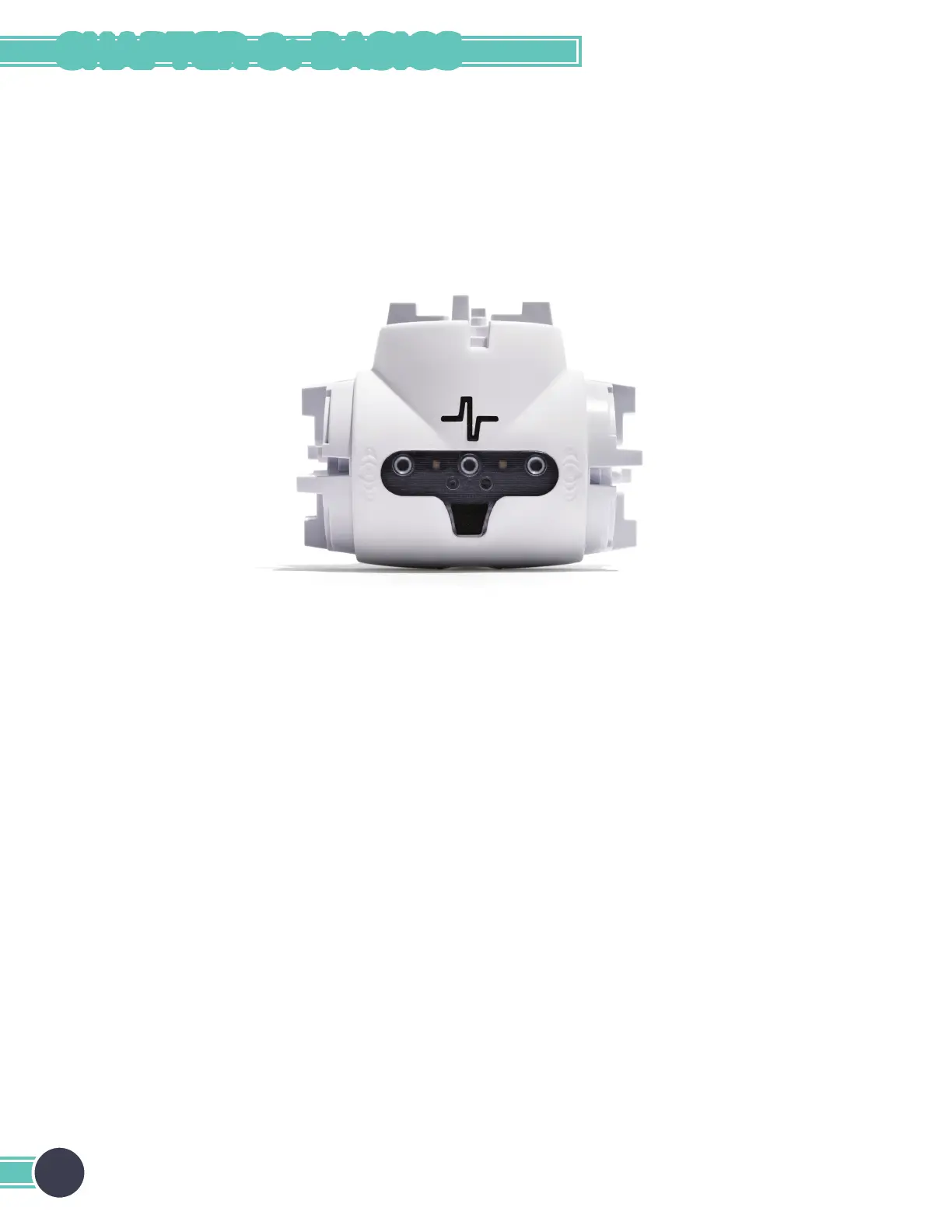
Turning the Spin Module On/Off
The spin module can be put into sleep mode by pressing and holding the Fable logo button. Press and hold the button for
three seconds to turn sleep mode on or off.
On: When the module is on, it can be programmed wirelessly. The module’s button will light up, and the color will change
when you press the button.
Off: When the module is off, the colored light is off unless the module is charging or the button is being pressed. If the
button is pressed while the module is off, the light will turn on and display the module’s battery level.
20
CHAPTER 3: BASICS



 To Next Page