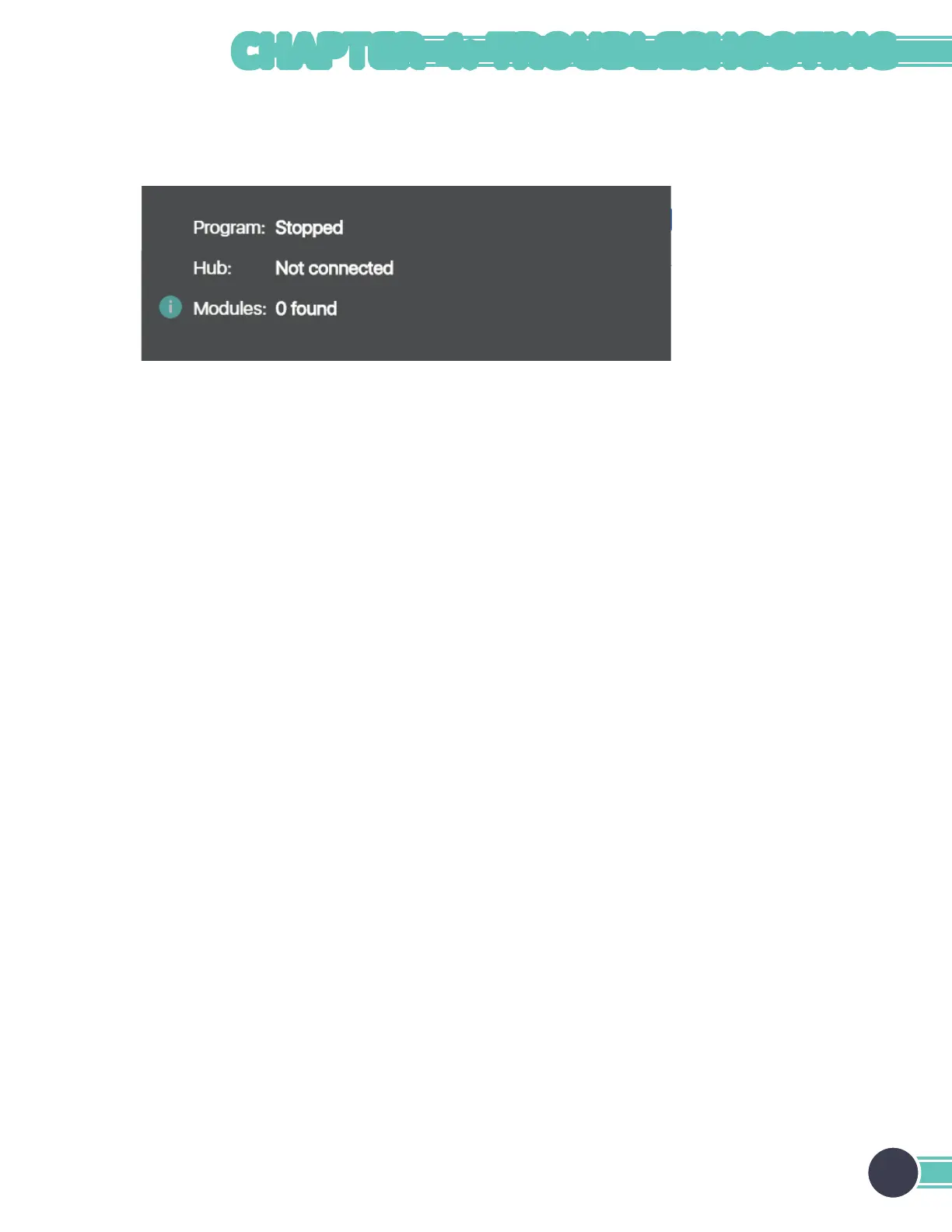
Hub Not Found
Symptoms: The hub is not detected by the computer/software. The issue can be confirmed by inspecting the status
window in the PC software.
Possible issues and suggested solutions:
• Hub is frozen – unplug the hub from the USB port and plug it back in.
• Port is frozen – restart the computer.
• Operating system is not supported – check the list of supported operating systems.
• Driver not installed (Windows 7 and 8) – install driver and inspect Device Manager to verify. See the Install Hub Driver
section in Chapter 2.
• USB cable is broken – replace cable.
• Hub is broken – contact Pitsco Education.
23
CHAPTER 4: TROUBLESHOOTING


 To Next Page