Module Overloaded
Symptoms: The joint module blinks red and stops moving for a period of time.
Possible issues and suggested solutions:
• A servo on the module has been overloaded (for example, it was commanded to perform a movement that it does
not have the strength to perform) – modify the program and/or robot configuration to avoid damaging the servo.
• A servo has overheated – let the servo cool down.
Unable to Connect Fable Face to Hub
Symptoms: The Fable Face app is unable to find a hub or fails to connect to it.
Possible issues and suggested solutions:
• On Android, use the phone’s settings menu to ensure the location permission is enabled for Bluetooth to be used
on apps.
• If no devices are found and permissions are enabled, make sure Bluetooth is turned on.
• Wait sufficient time before restarting the search or stopping the connection to a hub.
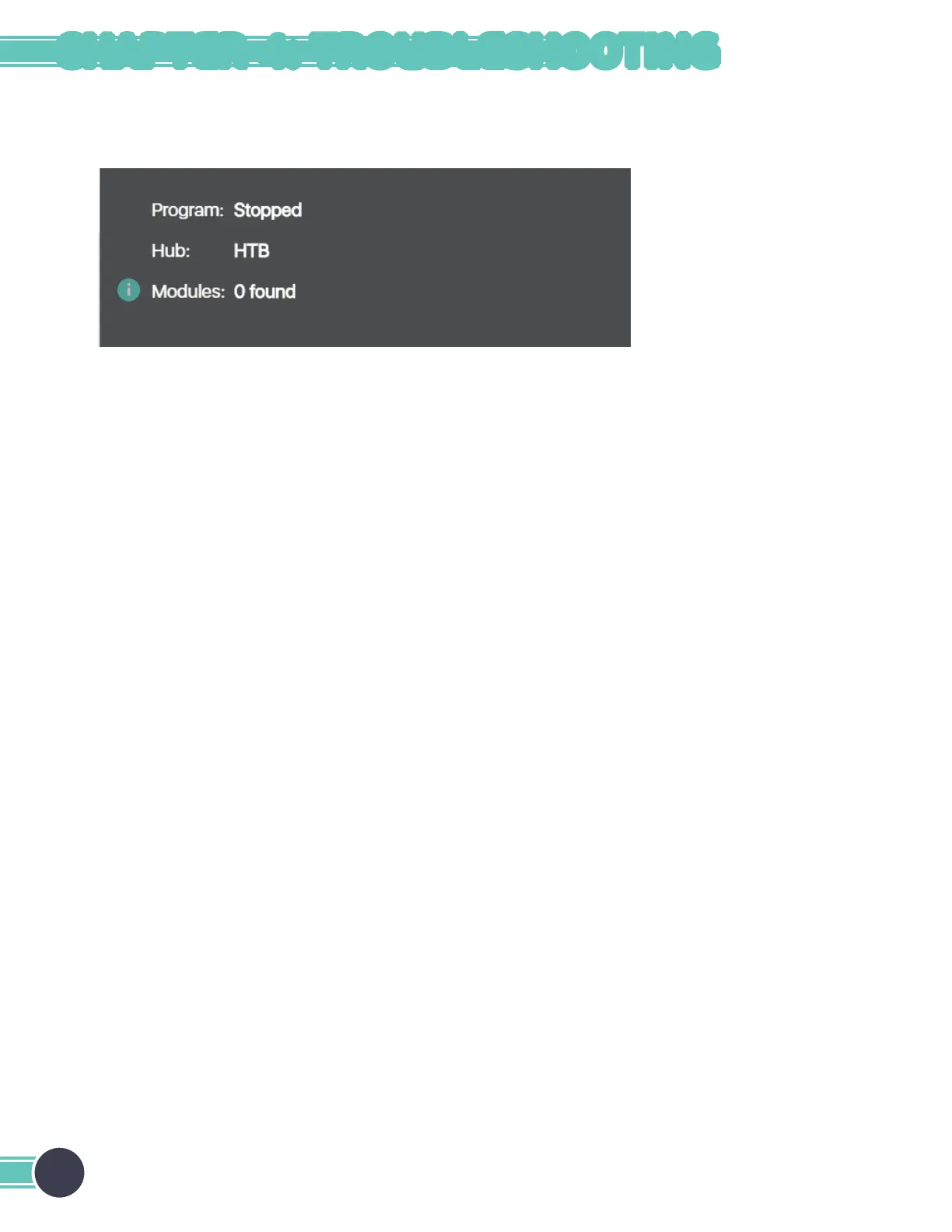
Module Not Found
Symptoms: The desired module does not show up with its ID in the graphical user interface.
Possible issues and suggested solutions:
• The hub is not connected – unplug the hub from the USB port and plug it back in.
• The module is not turned on. Even if the LED has a color, the module might be turned off while it’s charging. Press
the module’s button to see if the color changes; if it does, it means it is turned on; if not, then check the on/off switch.
• The module has crashed – try restarting the module by toggling the on/off switch.
• The module is broken – contact Pitsco Education.
24
CHAPTER 4: TROUBLESHOOTING



 To Next Page