Battery Management
Both the joint and spin modules contain a rechargeable LiPo battery.
Charging: The battery is recharged with a USB charger and can be charged while the module is either on or off.
Time-out: To save battery power, the module will automatically turn off after being inactive for 10 minutes. To be turned on
again, the on/off switch must be toggled (the joint module only) or the module’s button pressed (joint or spin modules).
Battery level: The color of the battery level indicator will show the module’s battery level in the off state when:
• It is charging.
• The button is pressed.
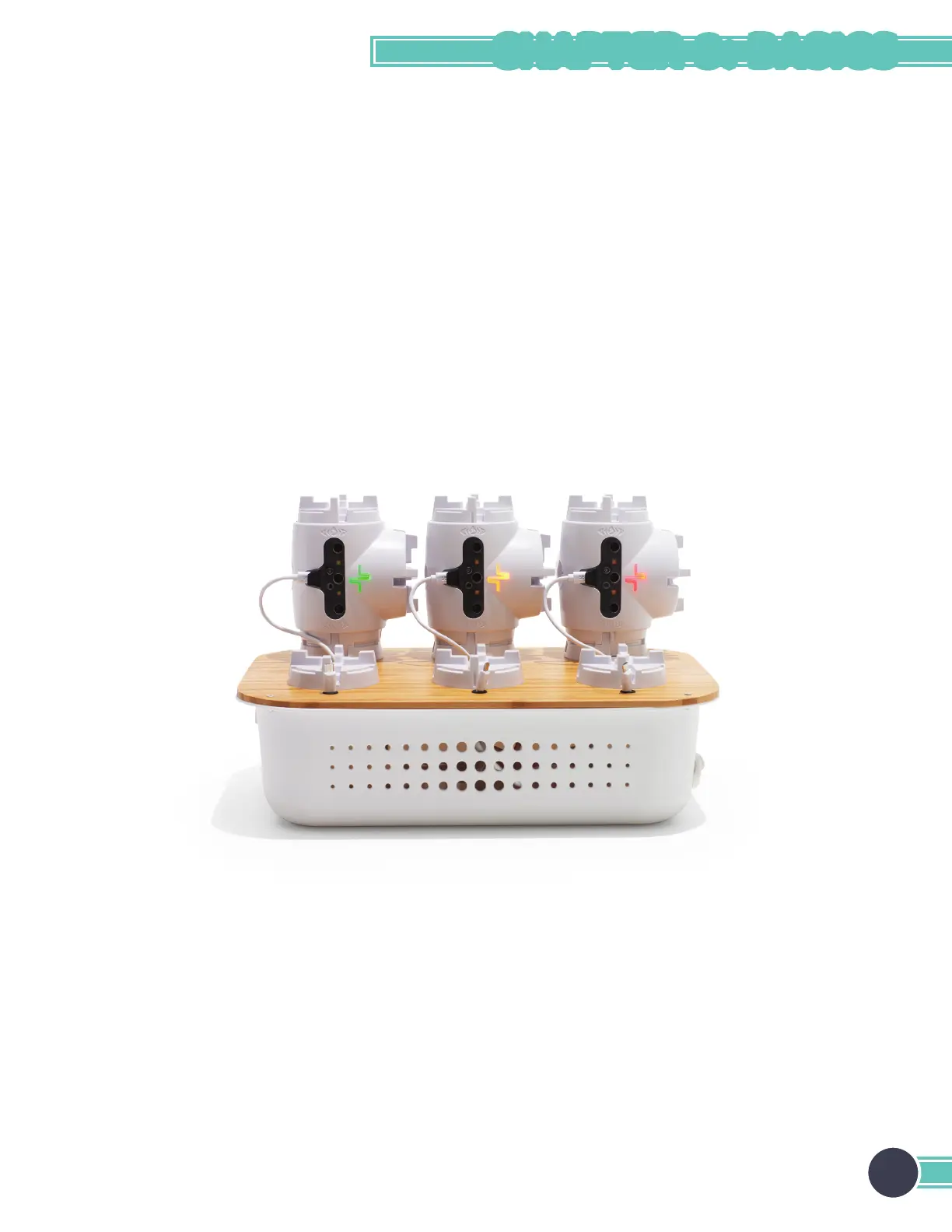
Battery level is indicated in a scale: Green = full level, yellow = medium level, red = low level.
Self-protection: To protect the battery, the module will automatically power down if the battery level becomes too low.
Recharge the module to make it functional again.
Lifetime: To maximize battery lifetime, avoid full battery depletion before recharging.
Storage: If a module is to be stored for months without being used, it should be charged to at least the yellow battery level
before being stored.
Each module shows a different battery level. Green depicts full battery,
yellow is medium level, and red is low level.
21
CHAPTER 3: BASICS



 To Next Page