Install the Hub Driver (Windows 7 and 8)
A driver for the hub only needs to be installed on Windows 7 and 8.
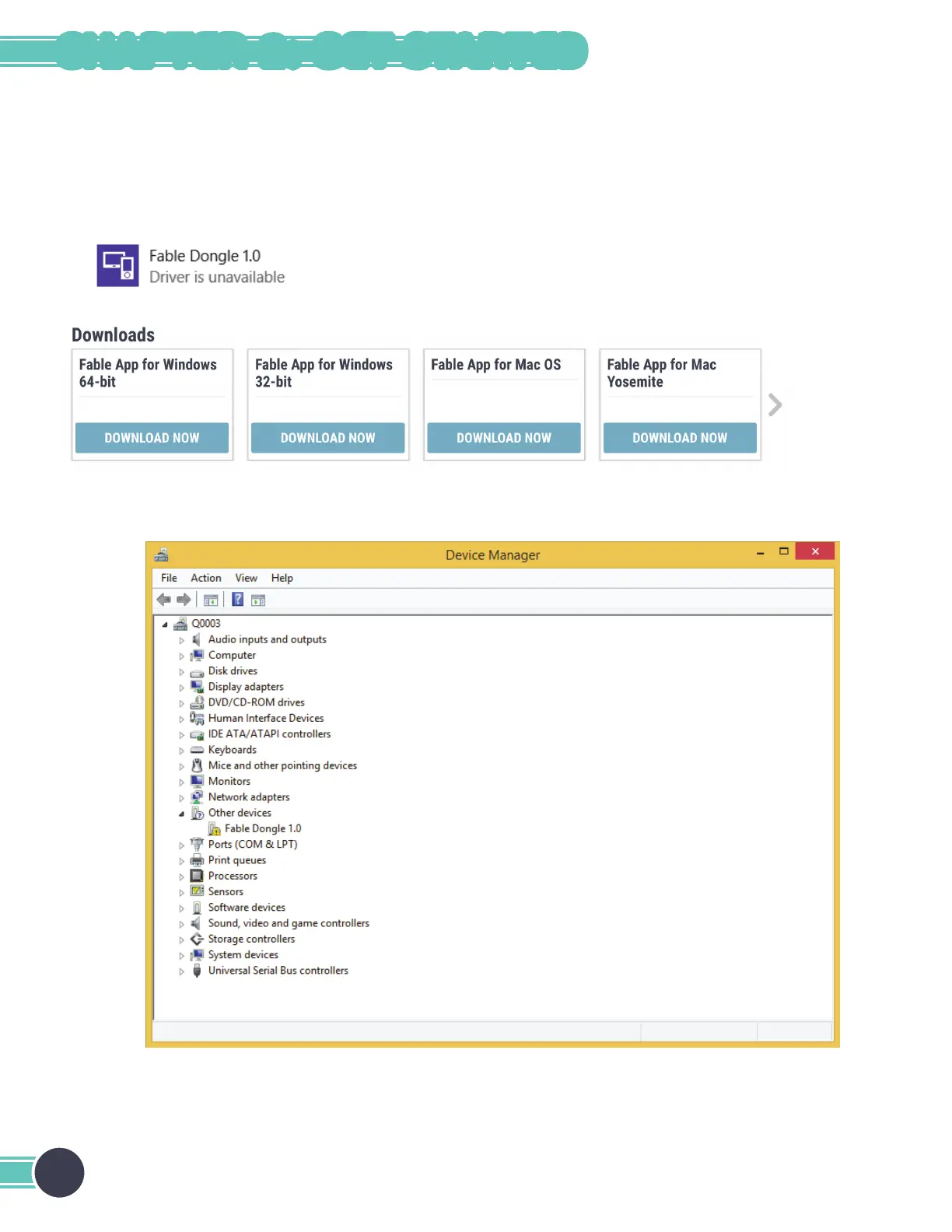
1. Windows will alert you that the driver is not installed. When this happens, visit Pitsco.com/Shop/Fable, select
the product you purchased, and navigate to the Downloads section of the product detail page. From here,
download the driver and unzip the folder to your device.
2. Locate the hub in the Windows Device Manager under Other devices, right-click it, and select Update Device
Software.
Note: Your hub might be called a dongle in your installation files.
Note: Your hub might be labeled as a dongle in your device manager.
16
CHAPTER 2: GET STARTED



 To Next Page