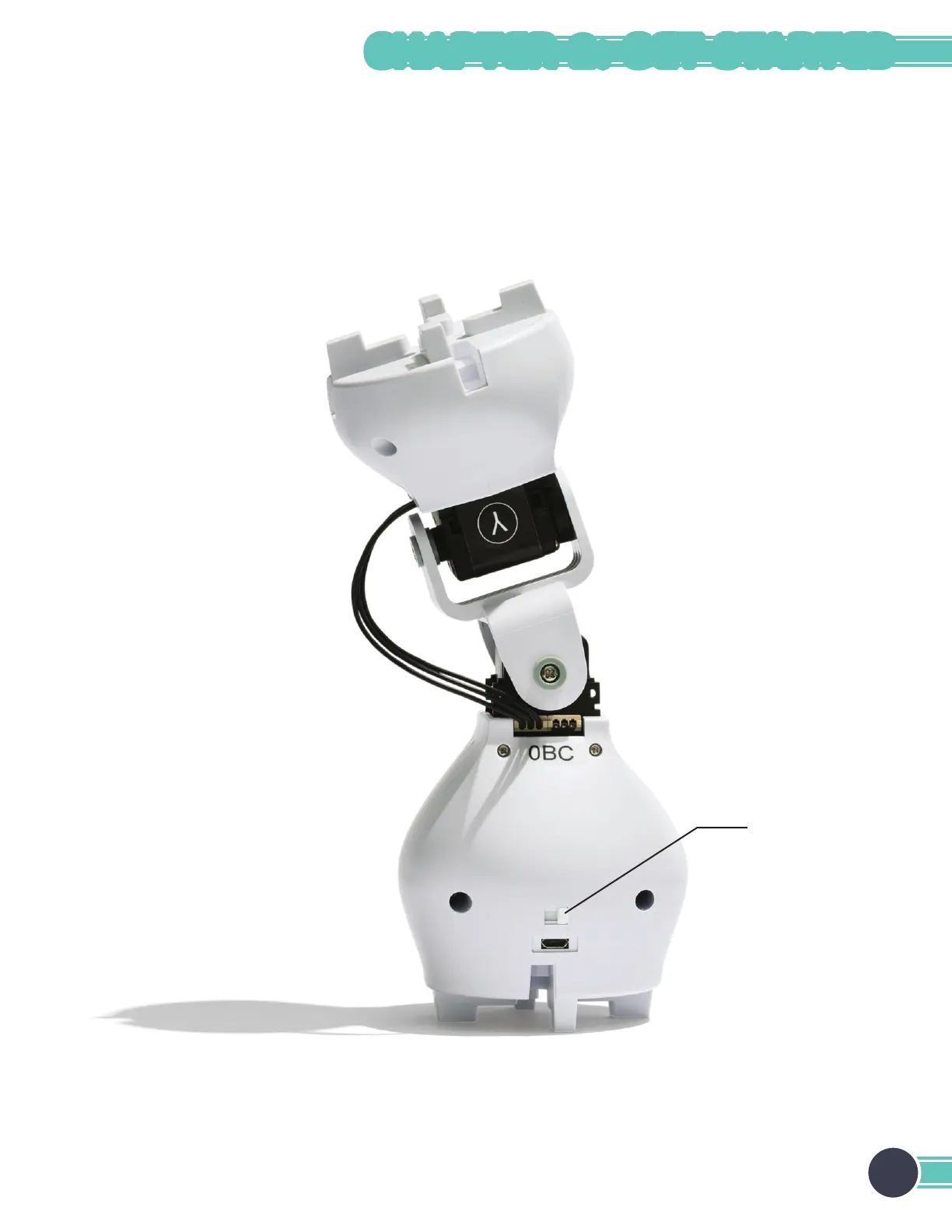
Turning the Joint Module On/Off
An on/off switch can be found on the back of the joint module.
On: When the module is on, it can be programmed wirelessly. The module’s button will light up, and the color will change
when you press the button.
Off: When the module is off, the colored light is off unless the module is charging or the button is being pressed. If the
button is pressed while the module is off, the light will turn on and display the module’s battery level.
On/off switch
19
CHAPTER 2: GET STARTED



 To Next Page