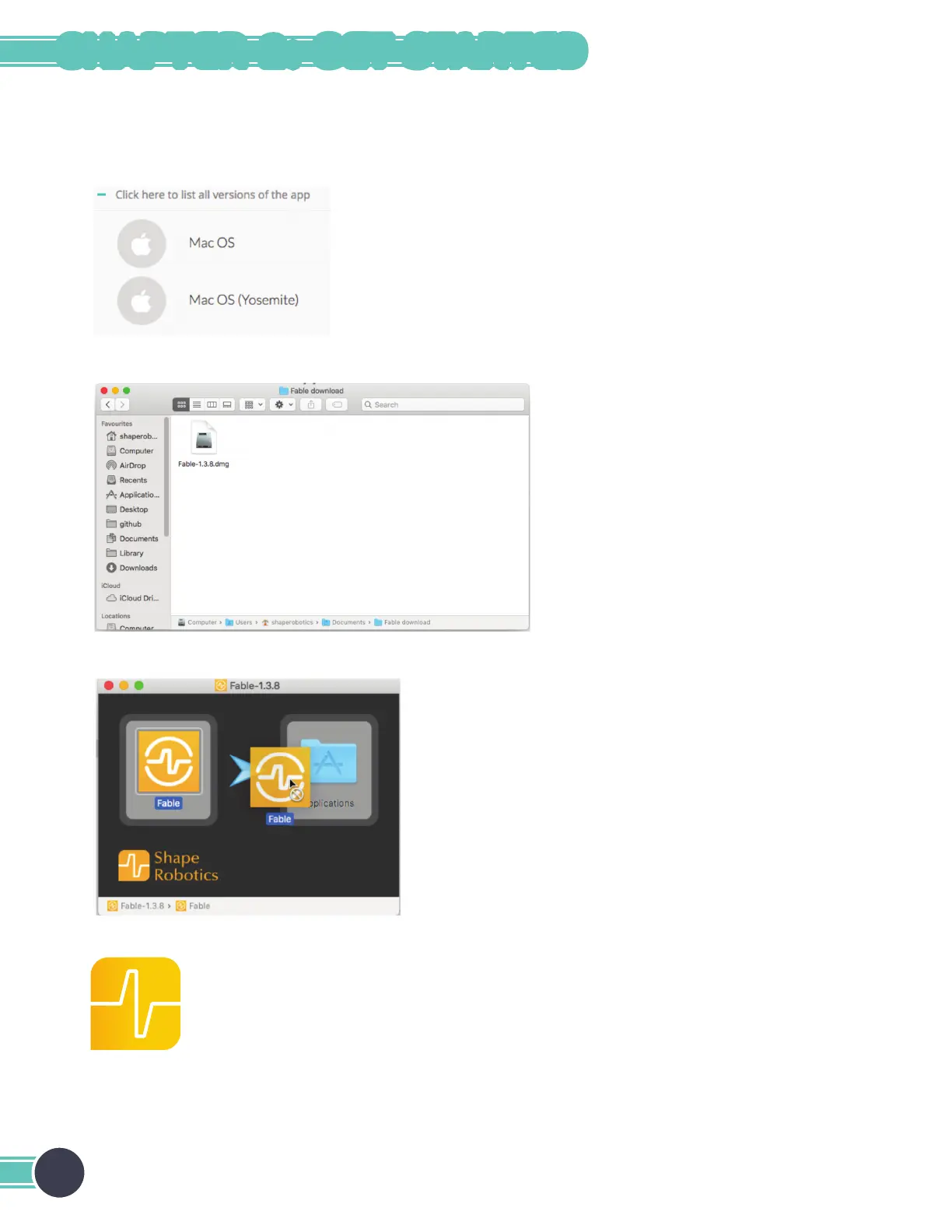
Install Fable Blockly on Mac
1. On Yosemite, download the version of the software specically made for that version of Mac OS. Otherwise,
download the standard Mac OS version.
2. Open the downloaded le to start the installation process.
3. Drag the Fable icon on top of Applications. This will install the app.
4. Plug in the hub to your Mac’s USB port. Fable Blockly can be started from the Launchpad or the list of applications.
14
CHAPTER 2: GET STARTED



 To Next Page