EasyManua.ls Logo

Shark LIGHT & EASY S3251 - User Manual

Shark LIGHT & EASY S3251
20 pages
Print Icon
To Next Page IconTo Next Page
Loading...
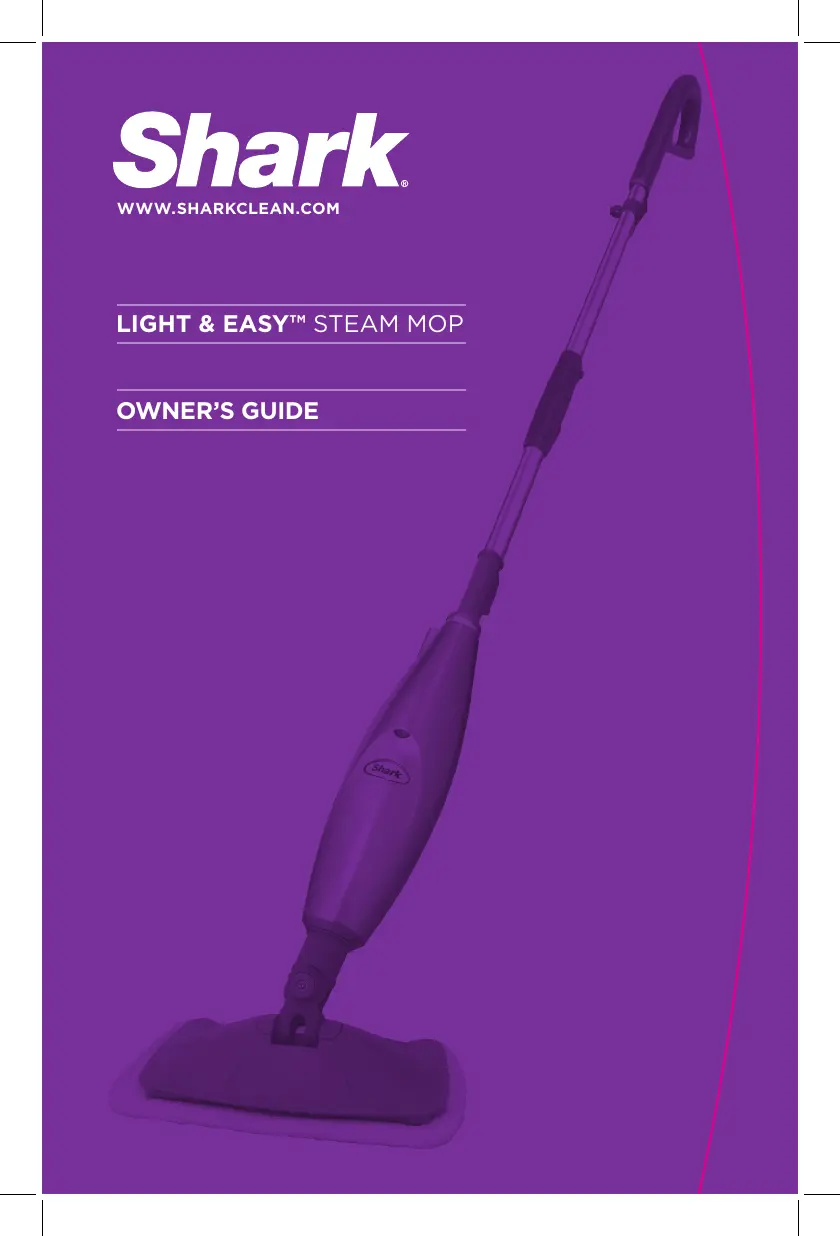
OWNERS GUIDE
LIGHT & EASY™ STEAM MOP
WWW.SHARKCLEAN.COM
S3251
S3251_11_ENG_IB_101117.indd 1 10-11-17 1:58 PM

Questions and Answers

  • B
    Brian AndersonJul 26, 2025
    Why are my floors cloudy after using the Shark Steam Cleaner?
    • D
      Diana FergusonJul 26, 2025
      If your floors appear cloudy, streaky, or spotty after using the Shark Steam Cleaner, try these steps: First, change the pad. If you washed the pocket with powder detergent, the pad may have residual detergent; wash it again with liquid detergent. For kitchen grease buildup, pre-clean the area with a de-greasing agent, such as an all-purpose cleaner or dish soap, and paper towels. Avoid leaving the mop in one spot for too long. Consider switching to distilled water. The issue might be leftover residue from previous cleaners; use the steam mop a few more times to see if the cloudiness disappears.
  • S
    spencersmithAug 4, 2025
    Why is my Shark LIGHT & EASY S3251 Steam Cleaner hard to push?
    • A
      Andrew CrossAug 4, 2025
      If your Shark Light & Easy™ Steam Mop is hard to push, ensure the steam pad is attached correctly. Also, check if the cleaning pad is excessively dirty or wet; replace it if necessary.
  • M
    Miguel ArmstrongAug 15, 2025
    Why does my Shark LIGHT & EASY S3251 Steam Cleaner leave white spots on the floor?
    • M
      Martha RamirezAug 16, 2025
      If your Shark Light & Easy™ Steam Mop leaves a white spot on the floor, avoid leaving your steam mop on the floor with a damp or wet cleaning pad. If this occurs, consider switching to distilled water and ensure the water tank is securely in place.

Summary

IMPORTANT SAFETY INSTRUCTIONS

DANGER OF SCALDING

Use caution when using the steam mop as steam emitted is very hot.

POLARIZED PLUG

Appliance has a polarized plug for electric shock risk reduction. Ensure correct outlet fit.

Quick Start

ASSEMBLE

Fit together extension tubes and attach micro-fiber pad to mop head.

FILL

Fill water tank using flask and funnel to MAX line.

STEAM CLEANING

Adjust mop height, plug in, wait for steam, and mop with forward/backward motion.

TECHNICAL SPECIFICATIONS

Getting Started

ASSEMBLY

Remove parts, verify inclusion, and connect extension tubes.

ATTACHING THE MICRO-FIBER PAD

Place micro-fiber cleaning pad on the floor and attach the mop head.

FILLING THE WATER TANK

Unplug unit, remove cap, fill tank with water to MAX line, replace cap.

Using Your Light & Easy Steam Mop

Care of Your Light & Easy Steam Mop

AFTER USE AND STORAGE

Unplug, let cool, release steam, separate pad, empty tank, and store properly.

CARE OF YOUR MICRO-FIBER CLEANING PAD

Wash pads in warm water with liquid detergent, line dry or low dryer setting. Cut loose threads.

ORDERING REPLACEMENT PARTS

Order parts and accessories online at www.sharkclean.com or by calling 1-800-798-7398.

Trouble Shooting

ONE (1) YEAR LIMITED WARRANTY

OWNERSHIP REGISTRATION CARD FOR CANADIAN CONSUMERS ONLY

Complete and return within 10 days of purchase for product defect notification.

Shark LIGHT & EASY S3251 Specifications

General IconGeneral
Product NameShark LIGHT & EASY S3251
CategorySteam Cleaner
Model NumberS3251
Power1200 Watts
Heat-Up Time30 seconds
Cord Length20 feet
Washable Microfiber PadYes
Swivel SteeringYes
Water Tank Capacity0.3 liters
Warranty1 year

Related product manuals