EasyManua.ls Logo

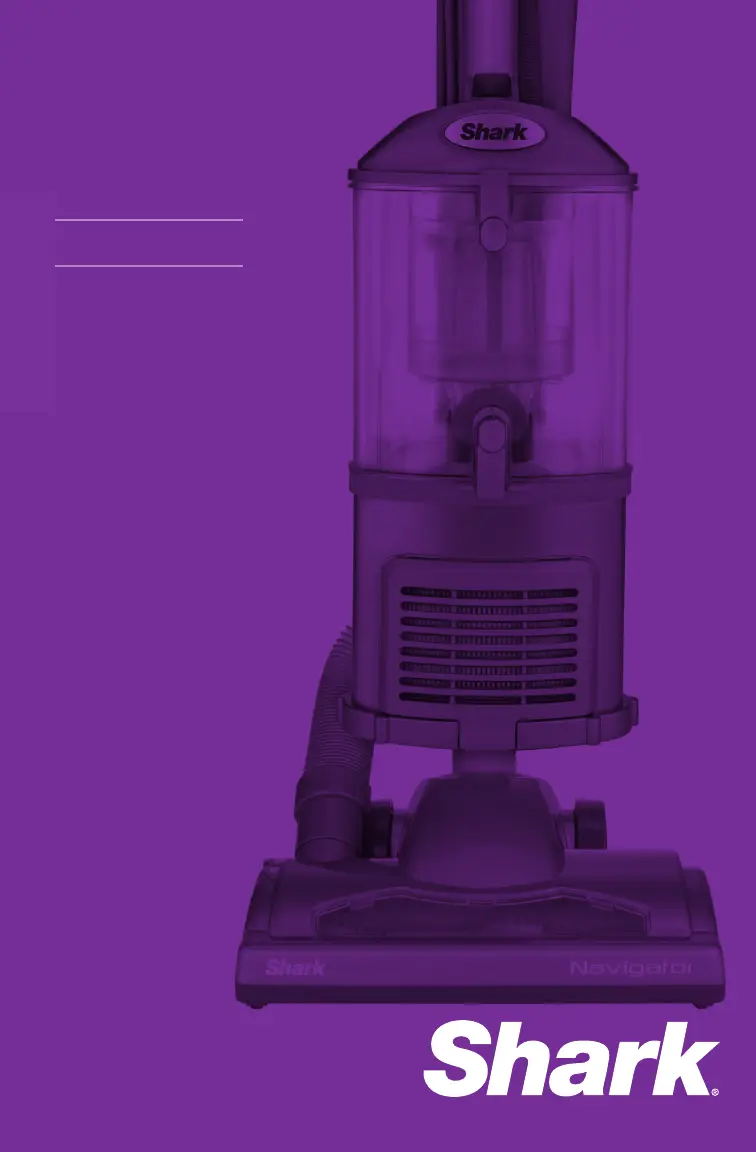
Shark NV352Q - User Manual

Shark NV352Q
20 pages
Print Icon
To Next Page IconTo Next Page
Loading...
Owners guide
NV352Q

Questions and Answers

  • M
    Michele PattersonAug 7, 2025
    What to do if my Shark Vacuum Cleaner is not picking up dirt?
    • M
      Mr. Roy Valentine IIIAug 7, 2025
      First, check the filters to see if they require cleaning, and follow the instructions for rinsing and drying them before placing them back. Also, the dust cup might be full, so empty it. Finally, inspect the hose and its connections for any blockages and clear them.
  • C
    carterjacquelineAug 13, 2025
    Why does my Shark NV352Q Vacuum Cleaner turn off on its own?
    • J
      James NortonAug 13, 2025
      If your Shark Vacuum Cleaner turns off automatically, it's likely due to overheating. The thermostat shuts the unit off to prevent damage. To resolve this, turn the power switch to the 'Off' position and unplug the vacuum. Empty the dust cup, clean the filters, and check for any blockages in the hose, accessories, and inlet openings. Let the unit cool down for at least 45 minutes before plugging it back in and turning it back on.
  • K
    kzunigaAug 18, 2025
    How to fix restricted airflow in my Shark NV352Q Vacuum Cleaner?
    • B
      brenda91Aug 18, 2025
      To fix restricted airflow, start by checking the filters to see if they need cleaning, and follow the instructions for rinsing and drying them before re-inserting. Ensure the dust cup is not full and empty it if necessary. Inspect the hose, hose connections, nozzles, and accessories for blockages and clear them. Close the suction release on the handle to increase suction power. If the dust cup is empty and the attachment inlets are clear, check for any other blockages.
  • D
    Dustin TurnerAug 25, 2025
    What to do if the brush roll does not spin on my Shark Vacuum Cleaner?
    • V
      Vanessa BrayAug 26, 2025
      If the brush roll on your Shark Vacuum Cleaner isn't spinning, immediately turn off and unplug the vacuum. Disconnect the nozzle and remove any blockage before reconnecting and turning the vacuum back on. Pull the handle toward you and release the floor nozzle to disengage the auto-off feature. Move the On/Off switch to the “II - Brush Roll On” position.
  • S
    Stephanie KramerAug 30, 2025
    How to stop my Shark Vacuum Cleaner from lifting scatter rugs?
    • E
      Elijah FuentesAug 30, 2025
      If your Shark Vacuum Cleaner lifts scatter rugs, it's because the suction is quite powerful. Exercise caution when vacuuming scatter-type rugs or those with delicate edges. You can decrease suction power by opening the suction release on the handle. Additionally, move the On/Off switch to the “I - Suction Only” position to disengage the brush roll.

Summary

Important Safety Instructions

General Electrical Safety

Essential precautions for using electrical appliances safely, covering cord and plug handling, and general usage rules.

Polarized Plug

Explanation of the polarized plug feature for safe electrical connection and proper insertion.

Outdoor;Wet Surface Warning

Advises against using the vacuum outdoors or on wet surfaces to prevent electric shock.

Technical Specifications

Getting Started

Accessories Overview

Description of included accessories like crevice tool, dusting brush, accessory holder, and turbo brush with their uses.

Mode 1: Upright Vac

Mode 2: Detachable Canister

Above-Floor Cleaning

Storing

Maintenance

Emptying the Dust Cup

Cleaning the Pre-Motor Filters

Cleaning the Post-Motor HEPA Filter

Cleaning the Turbo Brush

Cleaning the Motorized Floor Brush

Checking for Blockages

Ordering Parts

Troubleshooting Guide

Five-Year Limited Warranty

Shark NV352Q Specifications

General IconGeneral
ModelNV352Q
CategoryVacuum Cleaner
TypeUpright
BaglessYes
Corded/CordlessCorded
Power SourceElectric
Voltage120V
Power1200W
Cord Length25 ft
FiltrationHEPA
Warranty5 years
Height46.5 inches
AccessoriesDusting brush
Width12.5 inches
Depth10.5 inches

Related product manuals