3. Preparation and Installation
Handle, lift, carry and transport the product with great care to prevent it from
being damaged.
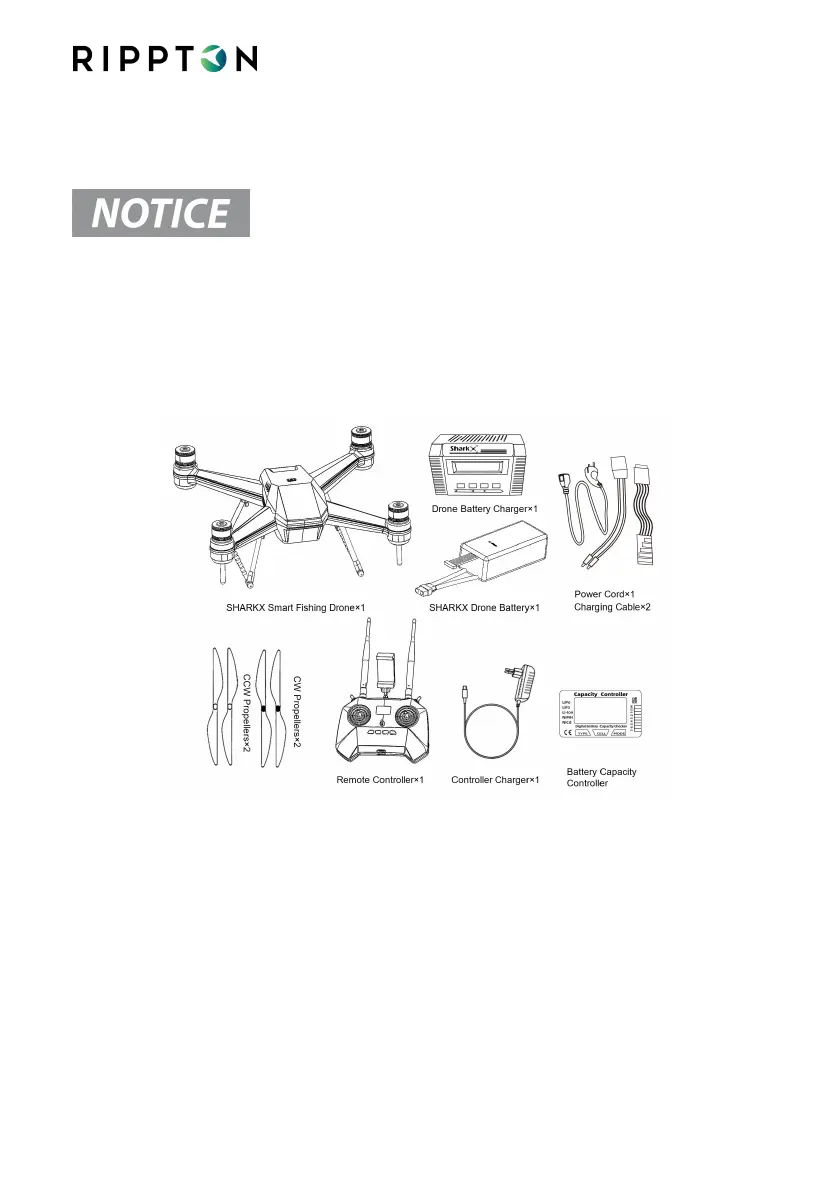
3.1. Unpack the Package and Check the Contents
The package should fully contain the following items:
3.2. Conditions before Assembling the SharkX
3.2.1. Make sure you have downloaded and installed the Rippton App from the
Google Play Store, Samsung Galaxy Apps or Apple App Store. Register as a
Rippton App user.
3.2.2. Make sure that the SharkX battery and controller are fully charged.


 To Next Page