4. Operations & Use
4.1. Check before Using the SharkX
4.1.1. Minimum space needed
Ensure there are no people or any other obstacles within a range of 20 meters before
you start flying in order to avoid possible injury or damage. Only use the product in
open areas on the beach and above the sea.
4.1.2. Preload the map on the App
When using the SHARKX in any new areas, it’s always necessary to enter the ‘Rippton’
app with network connection and finish preloading the map before connecting the
SHARKX to your mobile device.
4.1.3. Before launching the SharkX, please make sure the satellite number is no less
than 15, otherwise the drone will not take off successfully
4.1.4. Before flight please ensure that the Controller is set on "Position Hold / POS
Hold” mode rather than “Altitude Hold / ALT Hold” mode.
4.2. Start the SharkX
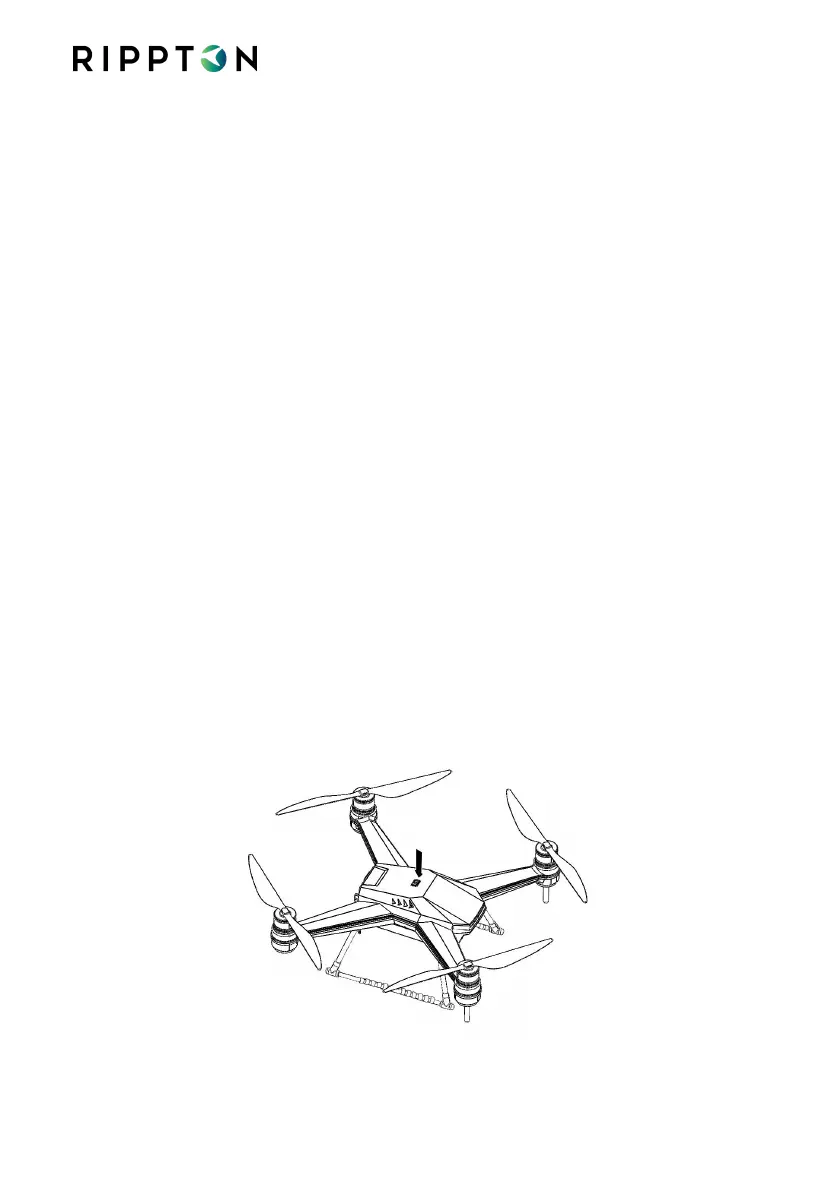
Long press the ‘POWER’ button till LED indicators are on and SharkX beeping.


 To Next Page